16
SETUP PROCEDURE
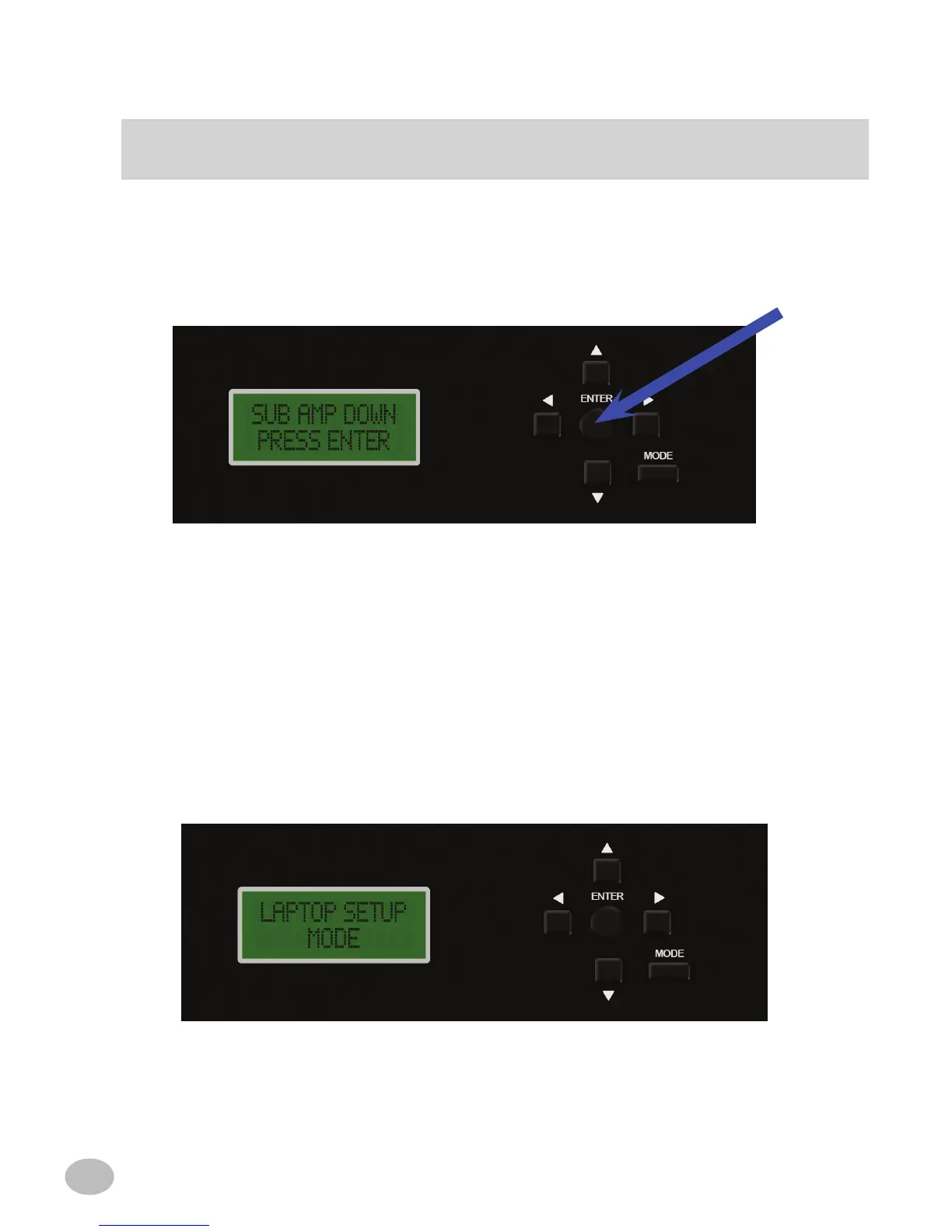
10. "SUB AMP DOWN PRESS ENTER" -
Make sure the level of the subwoofer amplier is turned down to 1/4 gain. You may
adjust the subwoofer gain after the Imprint process is complete.
Press "ENTER" to continue.
"LAPTOP SETUP MODE"
If you wish to use a PC for the remainder of the setup process, plug the PC into the
PXE-H660's USB input and launch the IMPRINT setup program included with this
unit. "LAPTOP SETUP MODE" will be displayed. Follow the instructions on the PC
application to set up the PXE-H660. If you do not wish to use a laptop make sure there
is nothing plugged into the USB port and move on to the next step.



 To Next Page