36
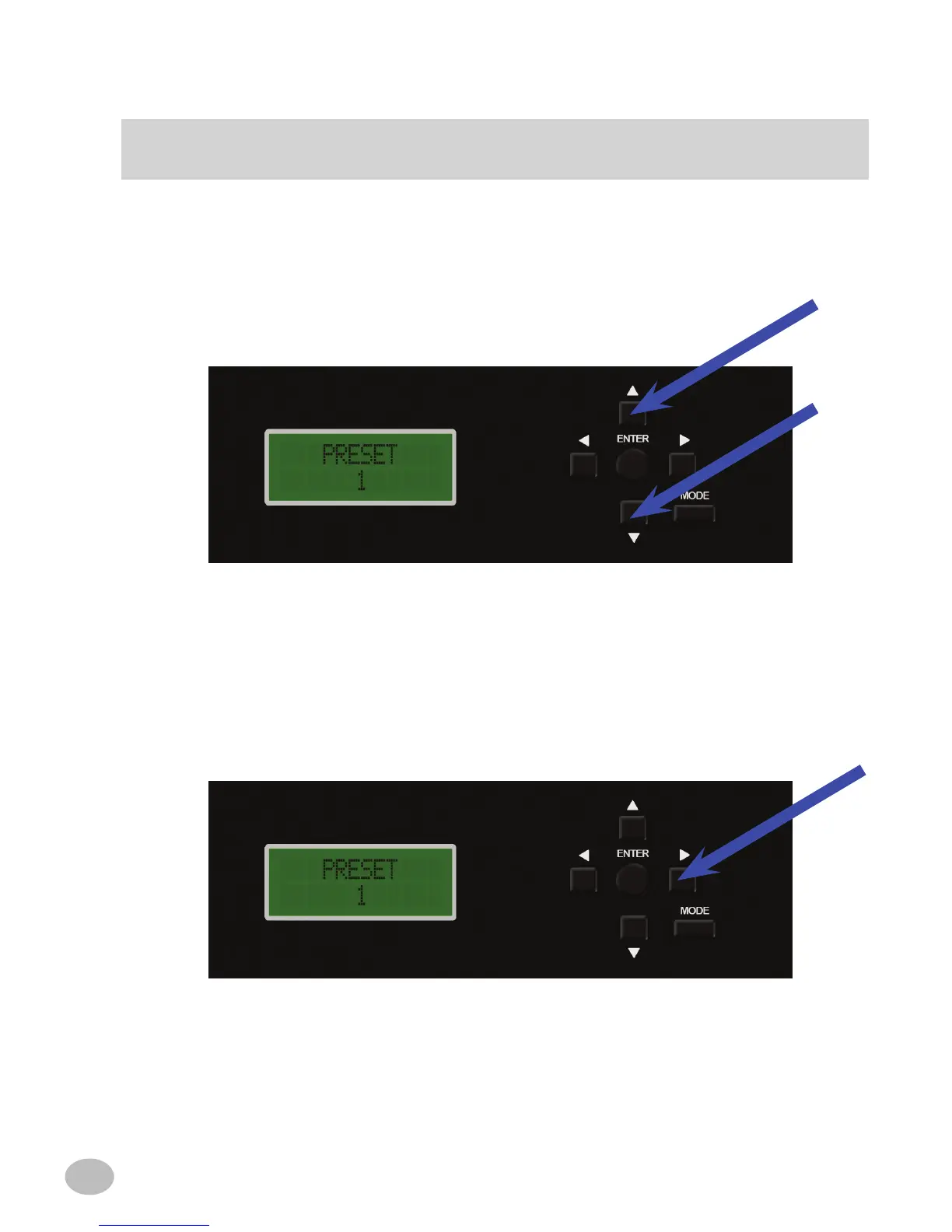
3. Use the q or p buttons to choose between PRESET 1, PRESET 2, CUSTOM EQ
AUX, and CUSTOM EQ HU. PRESET 1 refers to the Primary Mic position. PRESET
2 refers to the Secondary position. In this example PRESET 1 is selected.
a) PRESET 1 refers to the Primary Mic position. PRESET 2 refers to the Secondary
position.
b) Upon making the Mic Position selection, use the u button to move to the next se-
lection mode.
* Use the t button to return to the PRESET selection mode.
TImE CORRECTION
OR



 To Next Page