6-EN
Basic
Changing Backlighting Colour
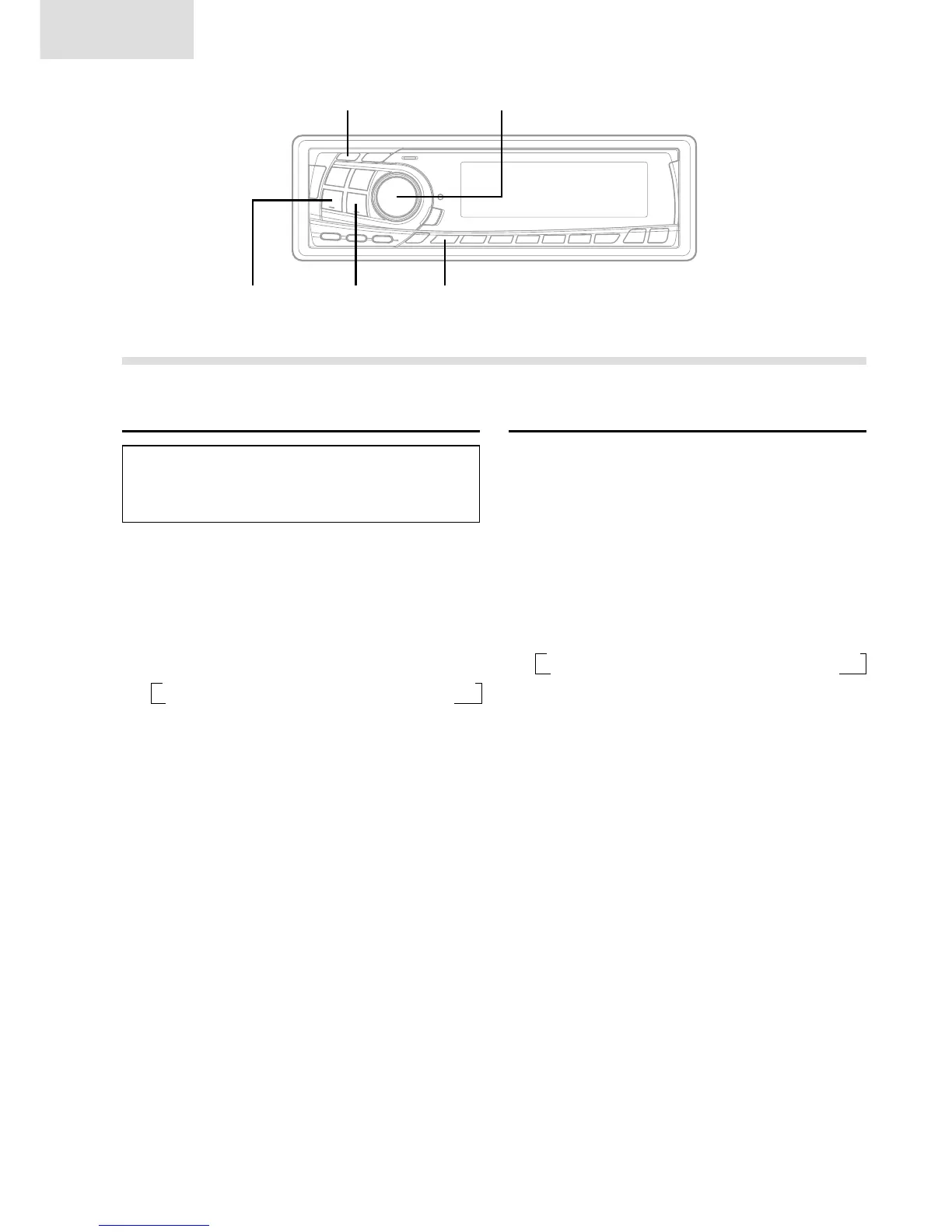
1 Press and hold the SETUP button for at least 3
seconds.
2 Press the f UP button repeatedly to select
"AMBER".
Each press of the f UP button changes the
modes as shown:
NOTE
If you press the g DN button the display scrolls in
reverse sequence.
3 Press the TUNE button to toggle the mode
between "AMBER ON" (amber) and "AMBER
OFF" (green).
4 Press the SETUP button to set the selected
mode.
Adjusting Source Signal Level
If the difference in volume level between the CD
player and FM radio is too great, adjust the FM
signal level as follows.
1 Press and hold the SETUP button for at least 3
seconds.
2 Press the f UP button repeatedly to select
"FM-LV."
Each press of the f UP button scrolls the
modes as follows:
NOTE
When you press the g DN button, the display scrolls
in the reverse sequence.
3 Press the TUNE button to select the FM signal
level mode. Each press toggles between "FM-LV
HI" (High) and "FM-LV LO" (Low).
4 Press the SETUP button to activate the normal
mode.
→ FM-LV → REG → PTY31 → HI-FI/NORMAL/STABLE → AMBER
DEMO ← AUX ← SCR ← MUTE ← BEEP ← SUB ← DIM ←
→ FM-LV → REG → PTY31 → HI-FI/NORMAL/STABLE → AMBER
DEMO ← AUX ← SCR ← MUTE ← BEEP ← SUB ← DIM ←
Basic Operation
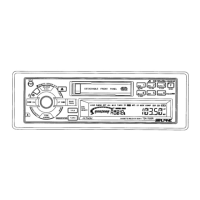
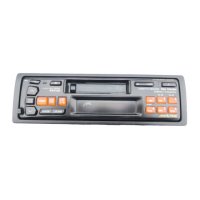
g DN f UP
TUNE MODE
SETUP


 To Next Page