11
7. ALTAIR 3cMAP SOFTWARE
Installation.
Altair 3cMAP program for Windows (TM) has to be downloaded from the bellow address:
http://www.altairaudio.com/firmware/map128_2/setup_map128.exe
As the program comes in an executable format, some cautions and reserves from your browser
can be expected. You have to permit it and download to your computer normally.
Next, proceed to the installation in your favourite directory and run the application.
Connection to a LAN
Use an Ethernet connection lead (direct 8 wires, pin1 to pin1... pin8 to pin8) from your choice and connect
it to the rear panel Ethernet port to an available Ethernet port of your network. The default IP address of the unit is
IP: 192.168.1.127
You can change for a new IP of your choice to permit more units in the same LAN. Best way to change IP
is by using the MAP communicated by USB mode.
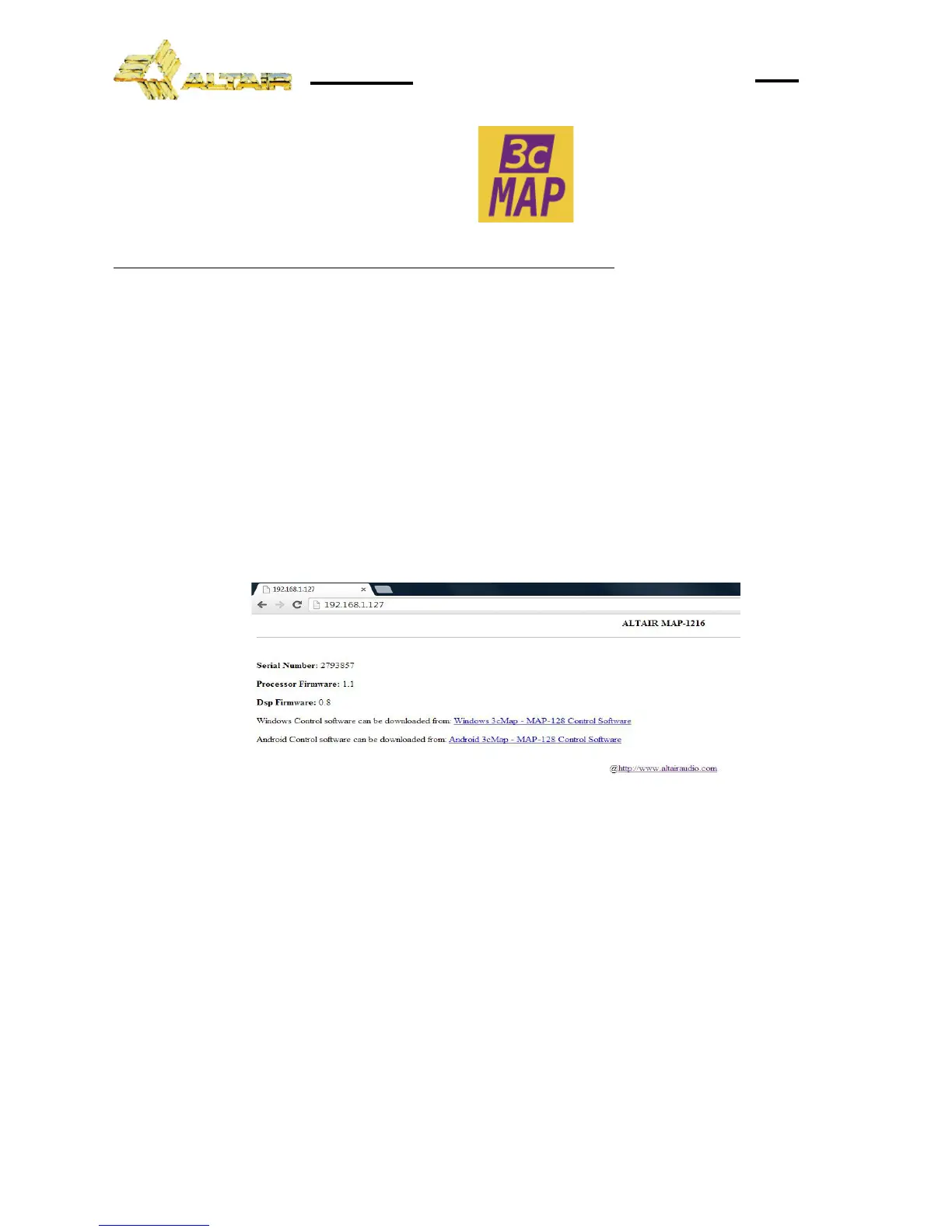
LAN Verification link. Device Data
First verification of the LAN communication could be done by writing in your browser the IP address of the
MAP processor. This IP is factory defined as 192.168.1.127 You can read the device serial number, firmware
versions and more. IP address can be changed in the
Edit>IP config
menu bar.
Direct PC communication. USB
The 3cMAP can be communicate with the PC by using an USB connector fitted on the front panel.
This connection is preferred to the LAN connection when needing a quick set-up or small changes of the system,
service maintenance, software updates or for setting up the IP address of the unit.
Follow the installation procedure needed for USB driver configuration on your PC.
DSP OCCUPATION.
This tab located on the bottom left corner in the main canvas indicates the % of the DSP processor that is
currently occupied by the audio processing tasks. The color of the tab helps in the importance of the number.
Care must be taken when adding elements in not surpassing the maximum capacity. To do so, always
close or set in By-pass the unused elements and make a compromise between the need of some elements and
the reserve capacity. The more consumption elements are the AUTOMIX, the CMP (compressors/expansors) and
the LIM (limiters) in this order. High slope crossovers also makes some consumption. Rest of the processing as
EQ makes only a small dsp occupation.


 To Next Page