ALP-XP800 XPEDITION
4
Bluetooth Linking
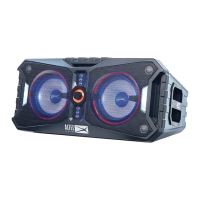
The Xpedition has the ability to link
wirelessly with another Xpedition to
create a stereo pair.
La bocina “Xpedition” tiene la capacidad de
conectarse a otra bocina “Xpedition”.
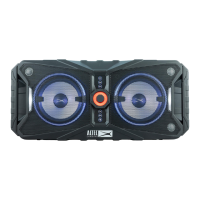
• Select which of the speakers you want to
control the music. On that speaker, press
the Link button. The button will blink to
tell you it’s in search mode.
· Presione el botón “Link” en la bocina de que
quieras que sea la fuente. El botón parpadeará
para indicarle que está en modo de búsqueda.
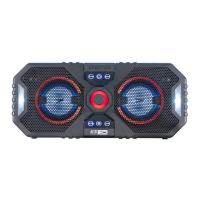
• Now press the Link button on the other
Xpedition speaker.
· Ahora presione el botón “Link” en la otra
bocina “Xpedition”.
• When the 2 speakers have paired, the
Link button will light solid. Any music
sent to the “master” speaker will play on
both speakers.
· Cuando las dos bocinas estén emparejados,
el botón “Link” se encenderá de forma sólida.
Cualquier música enviada al bocina fuente se
reproducirá en ambos bocinas.
Bluetooth Pairing
This allows you to pair a portable device
to the Xpedition to play your favorite
streaming music.
Esto le permite emparejar un dispositivo portátil
a la bocina para reproducir su música favorita.
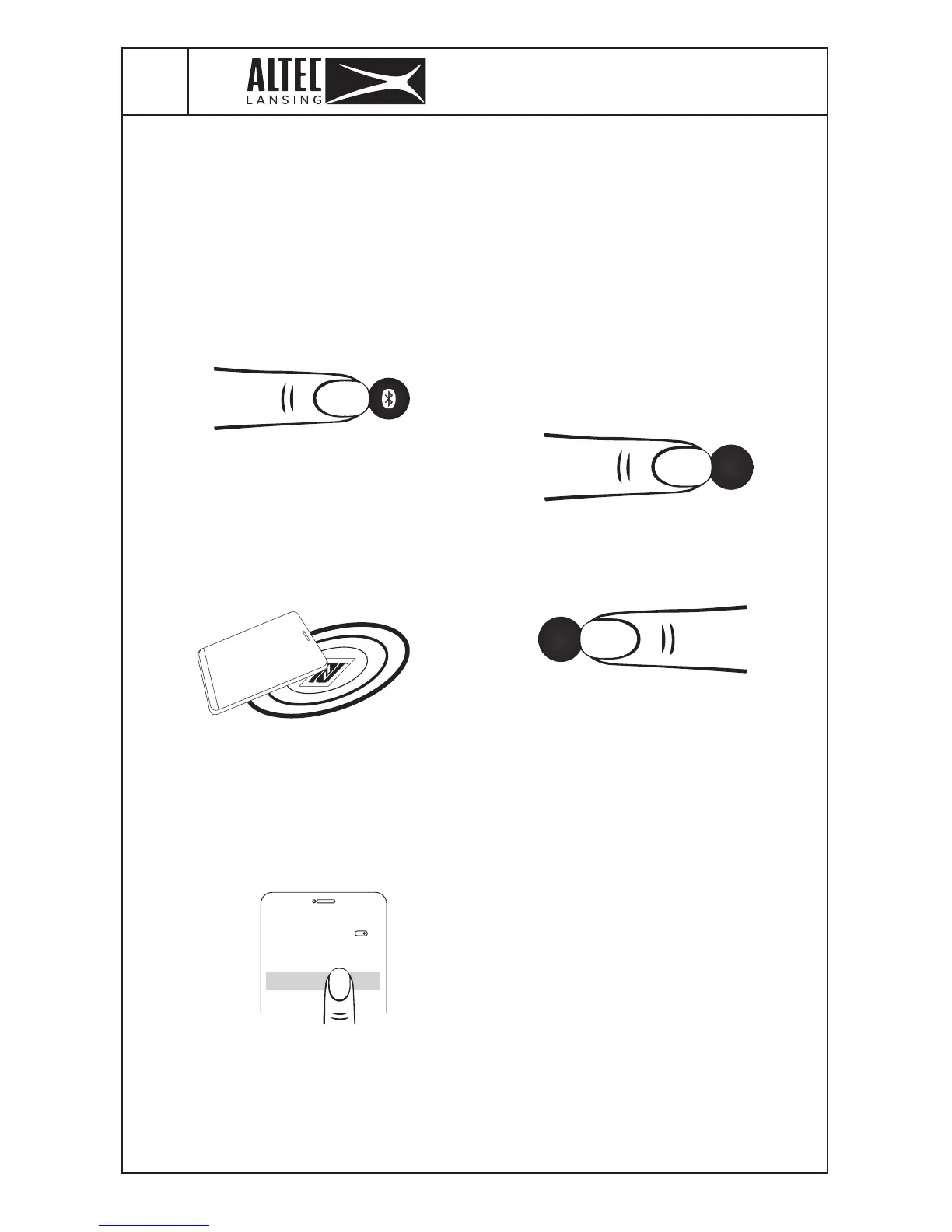
• Press the Bluetooth button. Button will
start blinking blue.
· Presiona el boton “Bluetooth” en la Bocina. El
boton encenderá una luz azul parpanderante.
• If your phone is NFC compatible, press
the bluetooth button and tap your phone
against the NFC logo on the Xpedition
to pair (NFC must be turned on in your
portable device settings).
· Si su teléfono es compatible con NFC, toque su
teléfono contra el logotipo de NFC en la bocina
para emparejar (NFC debe estar activado en la
conguración del dispositivo portátil).
• To pair with Bluetooth, open Bluetooth
settings on your mobile device and look
in the device list for “Altec Xpedition”.
Select it and complete the pairing process.
· Para sincronizar “Bluetooth”, abra la
conguración “Bluetooth” de su dispositivo
móvil y busque en la lista de dispositivos “Altec
Xpedition”. Seleccione y complete el proceso de
emparejamiento.
• Once pairing is complete, the Bluetooth
button will light solid blue, and you will be
able to enjoy streaming music from your
mobile device.
· Cuando se haya completado el apareamiento, el
boton “Bluetooth” encenderá una luz azul, ahora
estara listo para reproducir musica.
BLUETOOTH
OFF
ON
DEVICES
Altec XPEDITION
Link
Link






 To Next Page