1 Click Menu button (bottom toolbar), to open POI menu.
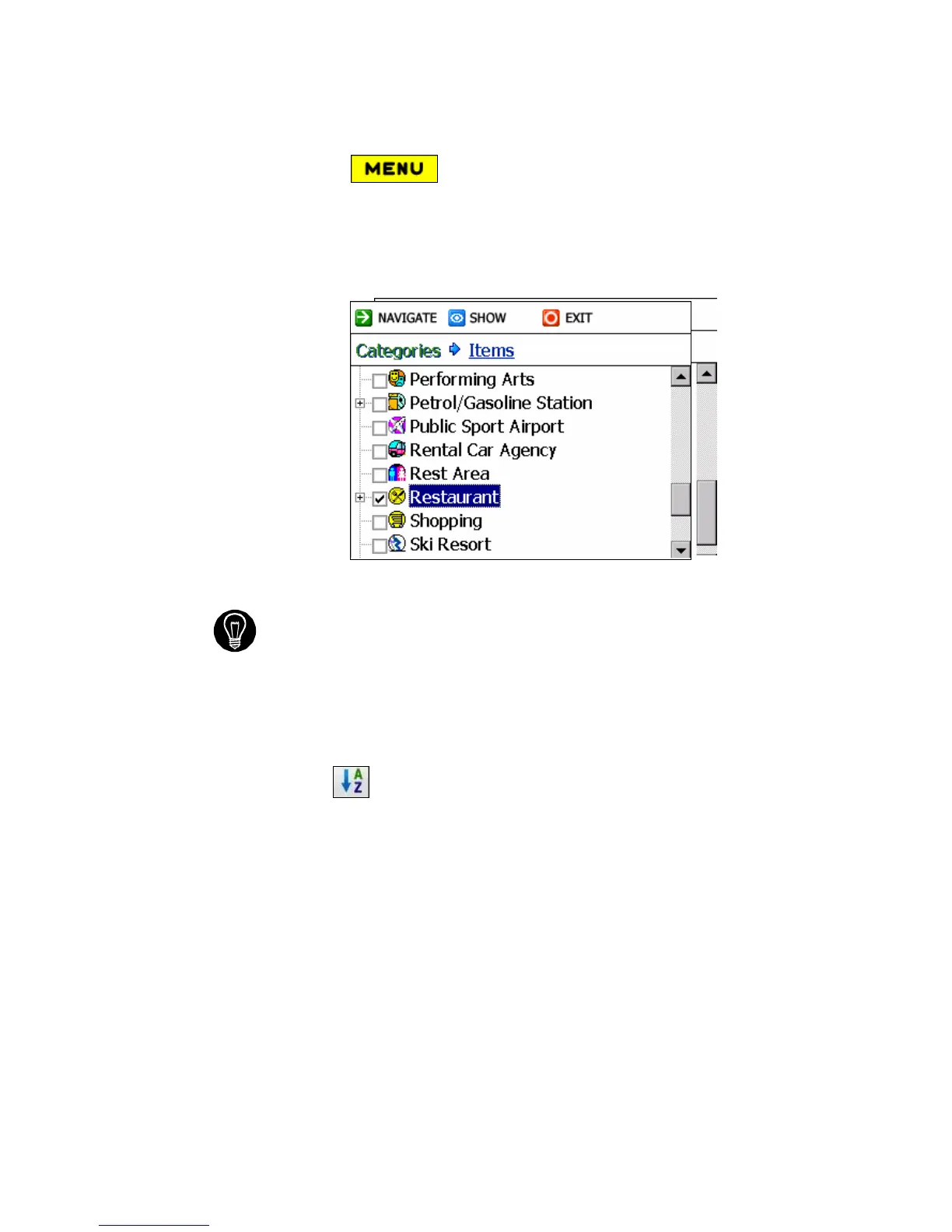
2 Locate and select the POI button Scroll down the list of POI categories
and highlight your desired category. In this example, we are going to
highlight Restaurant.
The “+” Sign located to the left indicates that the main category
contains at least one sub-category eg: (Restaurants - Italian, Indian,
Barbecue or Cajun).
Check (√) any of the categories to display them on the map as you
drive.
The POIs are listed in order of distance. To sort them alphabetically,
tap the button.
3 With Restaurants highlighted, tap Items (top of the screen) and you will
see the Restaurants in your area (from Charlie’s Fast Foods to Zin’s
Diner). The POIs are listed in order of distance.



 To Next Page