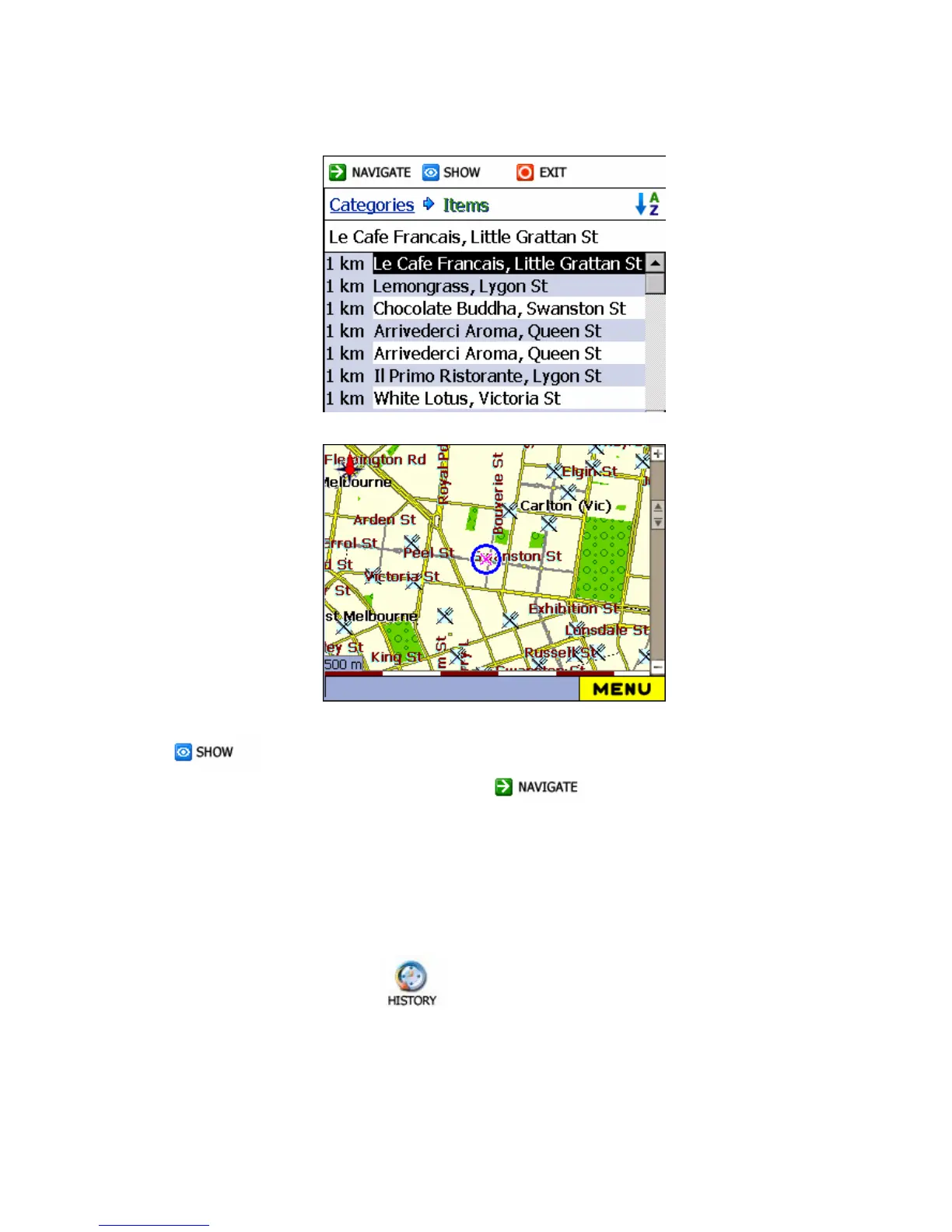
4 To preview your destination on the main map click Show button
.
5 To calculate the route click Navigate . The route is shown
as a highlighted blue line from your current GPS position.
As you drive, Destinator provides you with turn-by-turn voice and visual
directions, letting you know when your next maneuver is due.
4.7 NAVIGATE FROM HISTORY
Uses navigate from History , to select an existing destination from a list of
previously traveled destinations. The software automatically stores the last few
destinations in memory.



 To Next Page