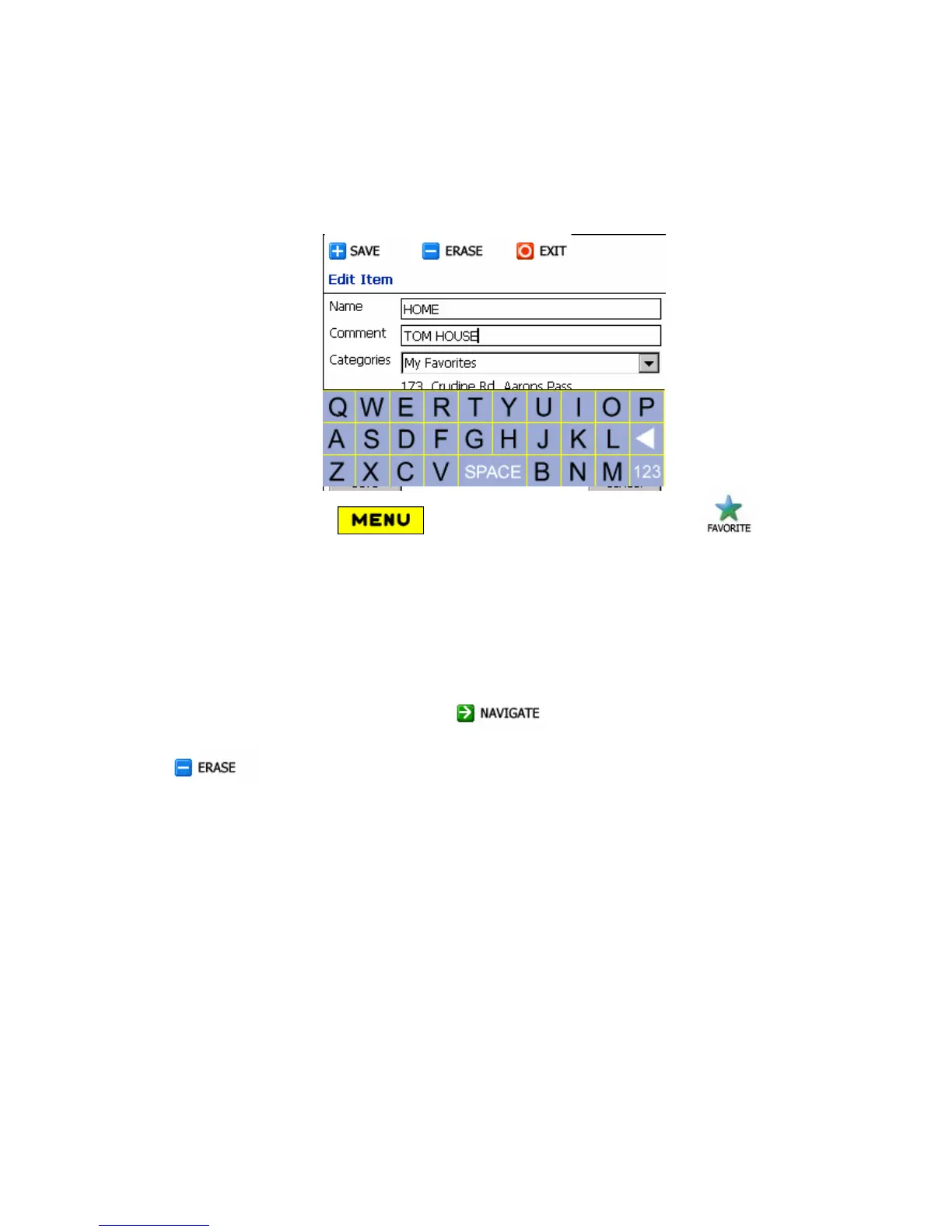
A Favorite place is an address or a point on Destinator previously stored by you
for future use. You can also save, edit or delete destinations from this folder.
1. Click Menu button (bottom toolbar), to open Favorites
button.
2. Select it – (Check the box to highlighted My Favorites).
3. Then tap Items – lists of stored items are displayed.
4. Select the Favorite Item, ensure that it is highlighted.
To see your destination info taps My Favorites: after destination selected.
To calculate the route click Navigate (top toolbar). The route is
shown as a highlighted blue line from your current GPS position. Press Erase
to delete the record.
4.10 Route
This feature is used to display the entire route, plus details as name, time and
distances, of the route.



 To Next Page