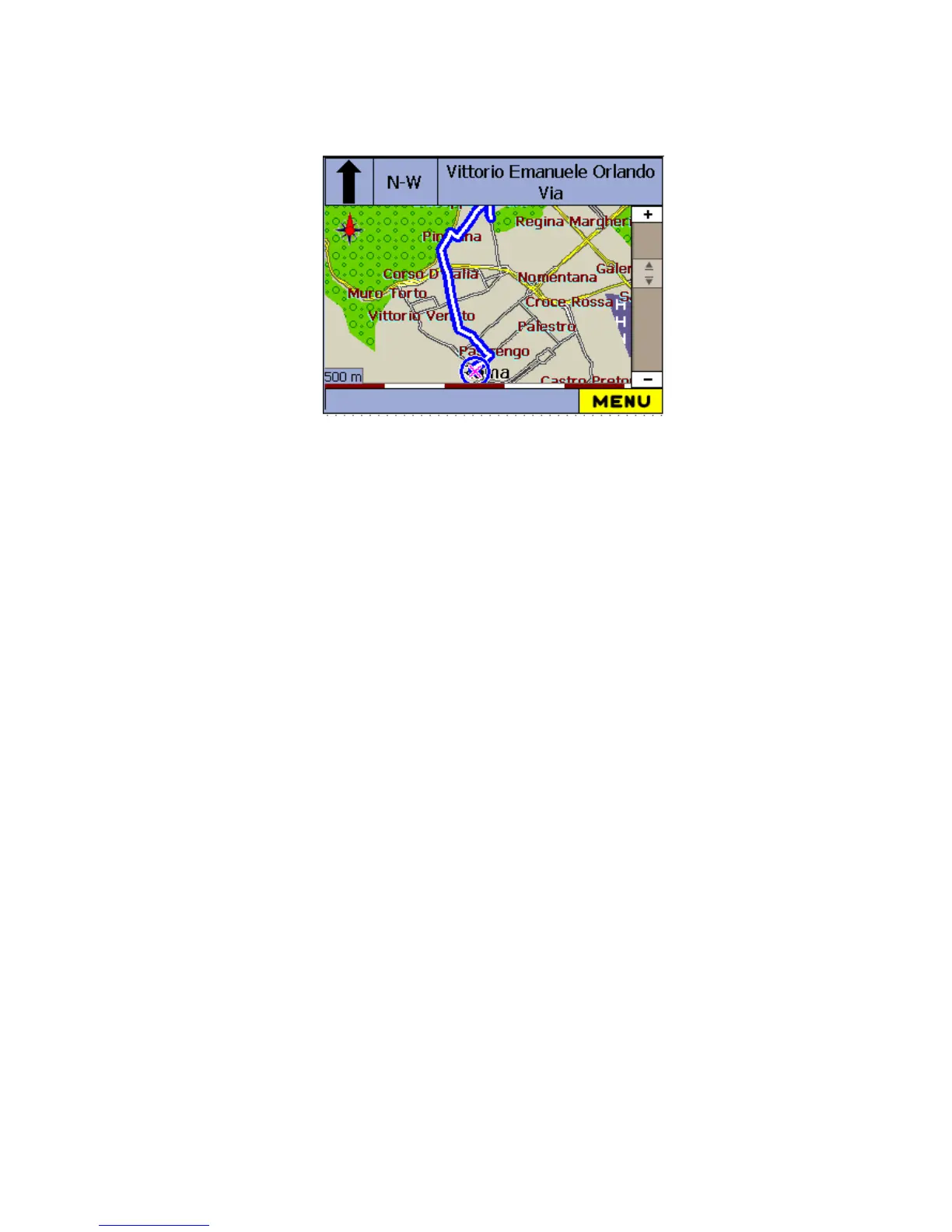
The departure point is indicated with a Blue flag, and the destination with an
Orange flag. The calculated route is always displayed in blue.
The screen also displays the details of the destination:
Destination – Address
Distance - Total length of journey
ETR - Estimated Time Remaining
You can also use the Arrow button to zoom in or out (Up to Zoom In, and Down
to Zoom Out.)



 To Next Page