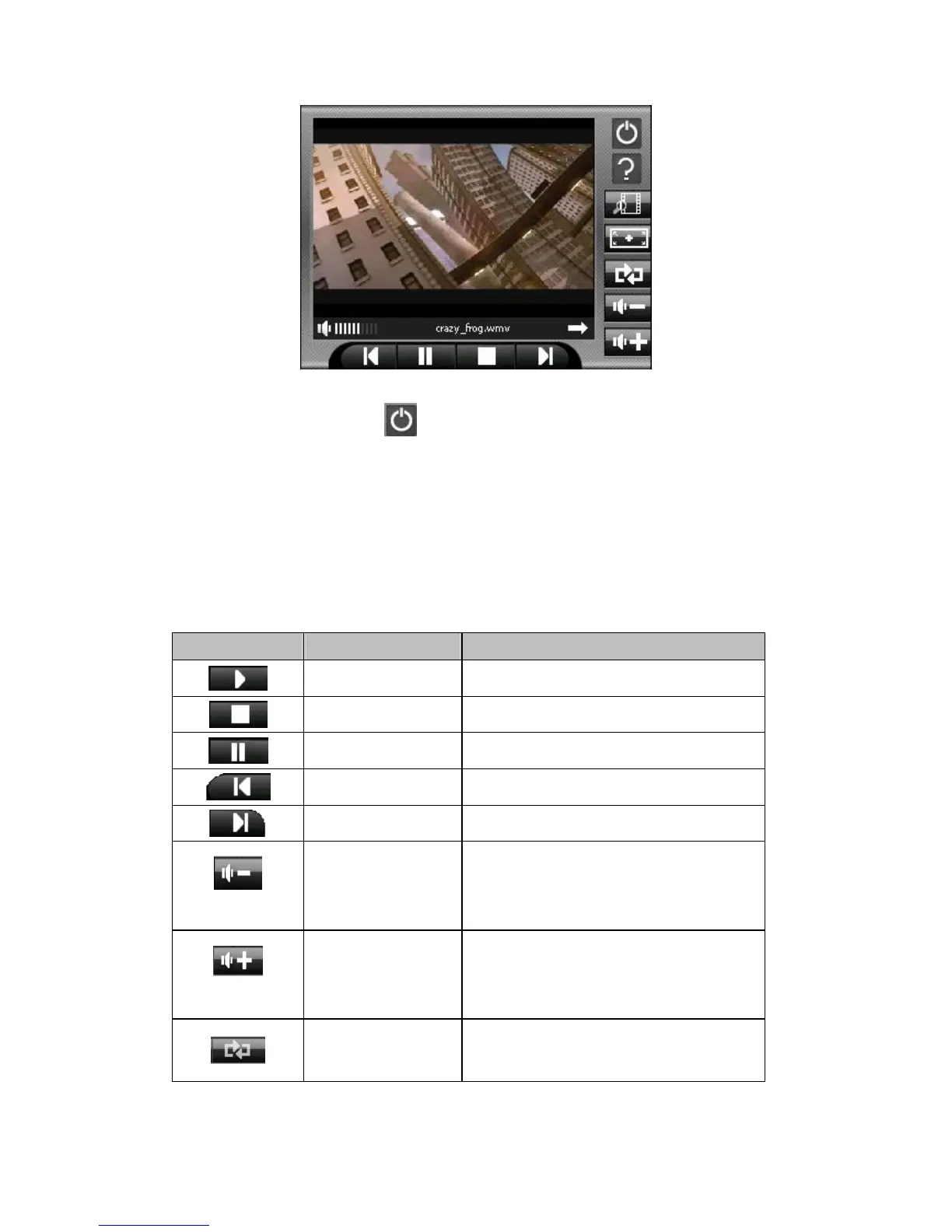
3. To exit the program, tap at the top of the toolbar. You will return to the
Main menu.
8.4 MP3 Playback Control
You can control the MP3 Player via control buttons. See the table below for
details:
Control Button
Name Description
Play Play the playback.
Stop Stop the playback.
Pause Pause the playback
Previous Move to the previous file.
Next Move to the next file.
Volume
Decrease the volume.
The indicator on the upper right corner of the
panel will show the current volume level.
Volume
Increase the volume.
The indicator on the upper right corner of the
panel will show the current volume level.
Repeat all Repeat all



 To Next Page