Single playback Single playback
Random Random sequence
Play List Open play list.
Info Check version
Exit Exit MP3 Player
8.5 Using Play List
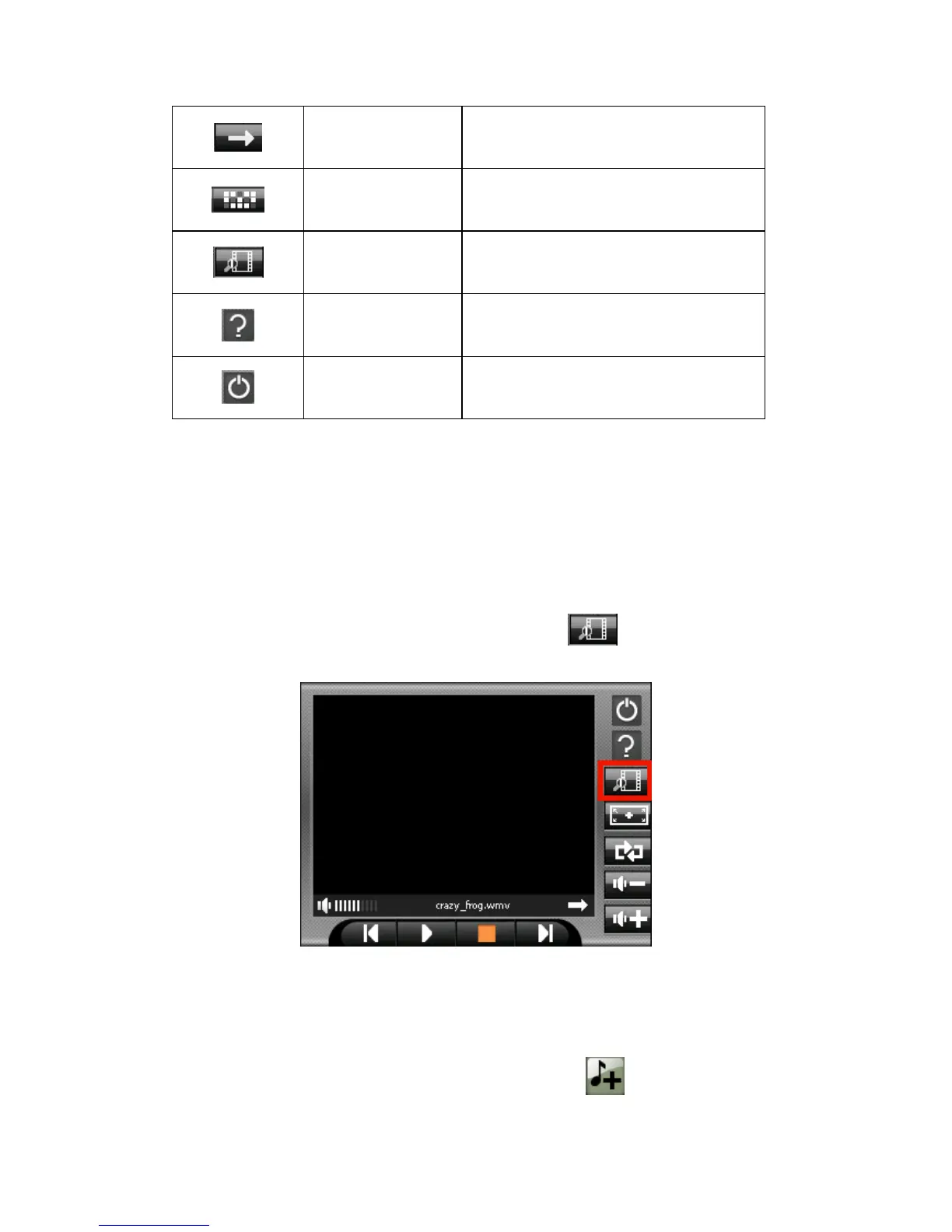
Once the Video player is open, by default the system will automatically load all
Video files in the play list. If you wish to create your own play list, follow the
instructions below:
1. To create your own play list in Video Player, tap 圖示。
2. You can use the following buttons to add or delete songs in your play list:
※Add file
Add a new file to your play list. Tap Add file icon



 To Next Page