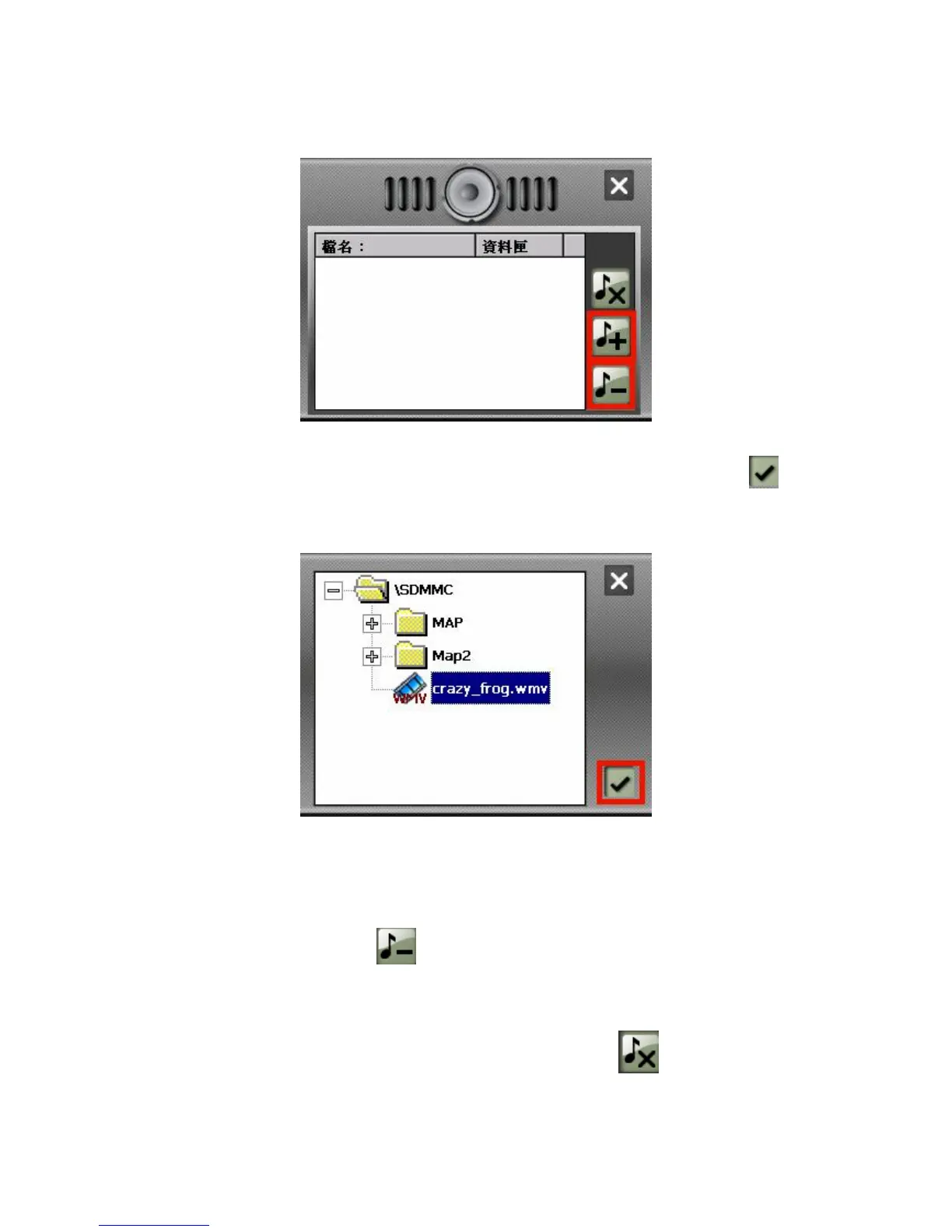
on the right toolbar.
3. Choose a file that you wish to add to your play list . Tap Add file button
at the bottom of the screen. The new video file will appear in your play list.
4. Delete file
Remove one file from your play list. Choose a file that you wish to delete
and tap Delete file icon .
5. Delete All
Remove all files from your play list. Tap Delete All icon on the right
toolbar. All files in your play list will be removed.



 To Next Page