DE-3000+ IOI 8-15
All rights reserved © ALTRONIC, LLC 2015
26
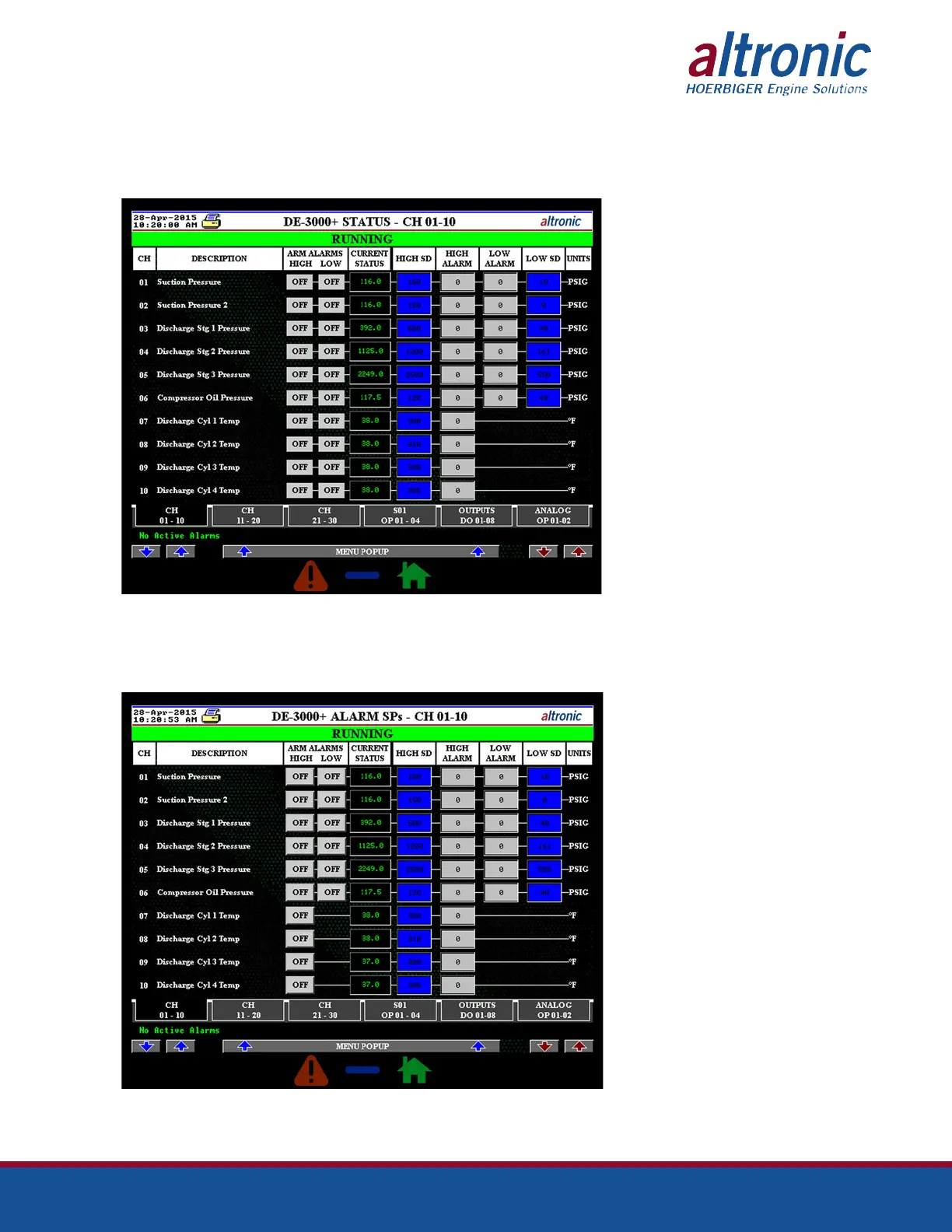
9.19 The Channel Status screens can be accessed by clicking on the “CHANNEL
STATUS” button on the Main Menu screen. Through the Channel Status screen,
the user can monitor and modify (if logged in) up to 10 channels in one screen.
Navigation to all the channels is made easy through the labeled buttons navigat-
ing to all the screens in the IO Status category.
The screenshot above shows the Channel Status screen for channels 1-10. This
screen can only be used to monitor as the user is not logged in.
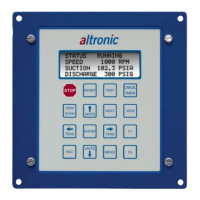
When the user logs in with the correct credentials, the header of the screen
changes to Alarm SPs and the Alarm enable buttons become visible as shown in
the screenshot below.


 To Next Page