DE-3000+ IOI 8-15
All rights reserved © ALTRONIC, LLC 2015
28
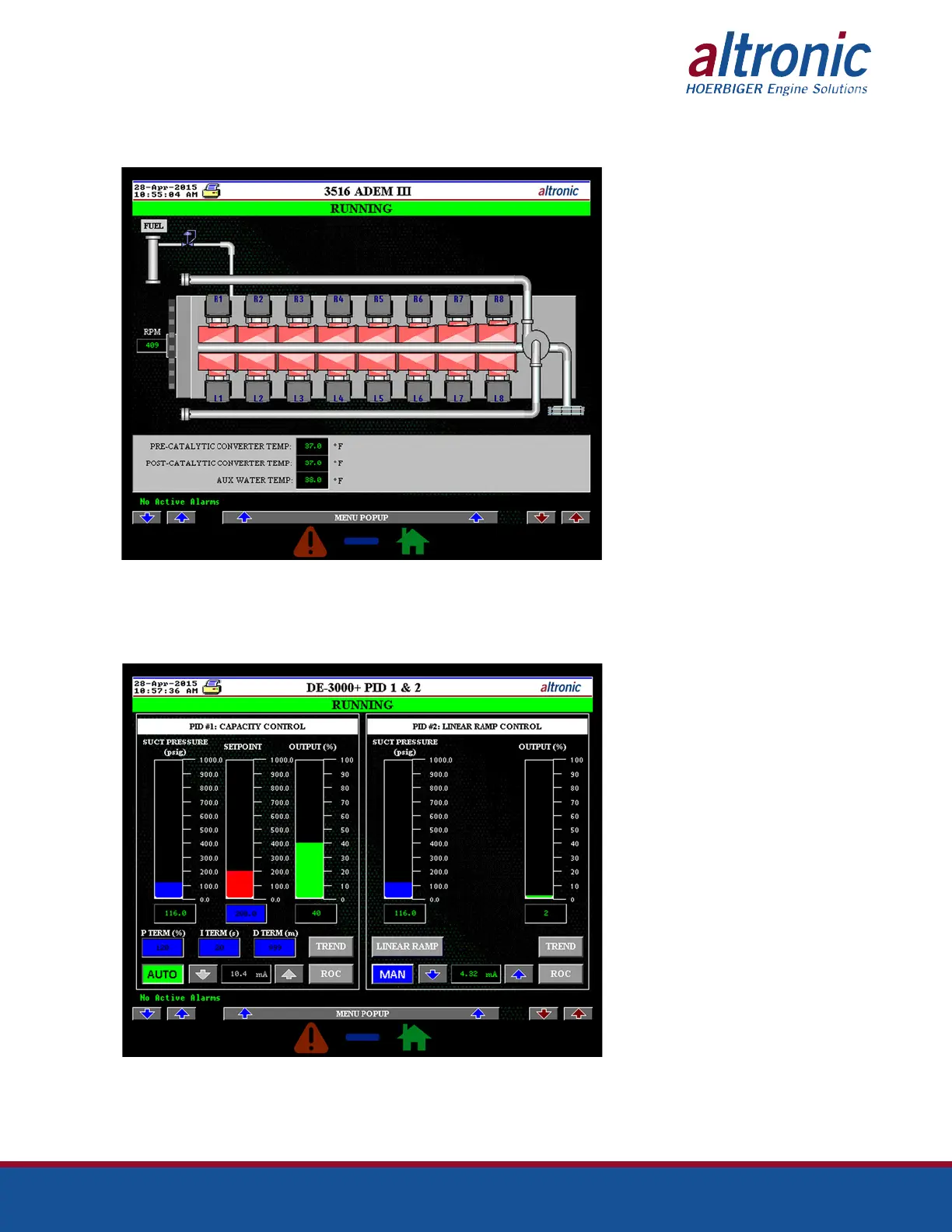
9.21 The Driver screen can be accessed by pressing the “DRIVER” button on the
Main Menu screen. Through the Driver screen, the user can monitor the chan-
nels related to the engine/motor.
9.22 The PID screens can be accessed by pressing the “PID 1 & 2” and “PID 3 & 4”
(if using a second terminal board) buttons on the Main Menu screen. Through
the PID screen, the user can monitor the PID values in bar graph form for better
visualization. If logged-in, the user can also modify PID setpoint and PID param-
eters, P, I, & D (make sure write control is enabled.)



 To Next Page