DE-3000+ IOI 8-15
All rights reserved © ALTRONIC, LLC 2015
33
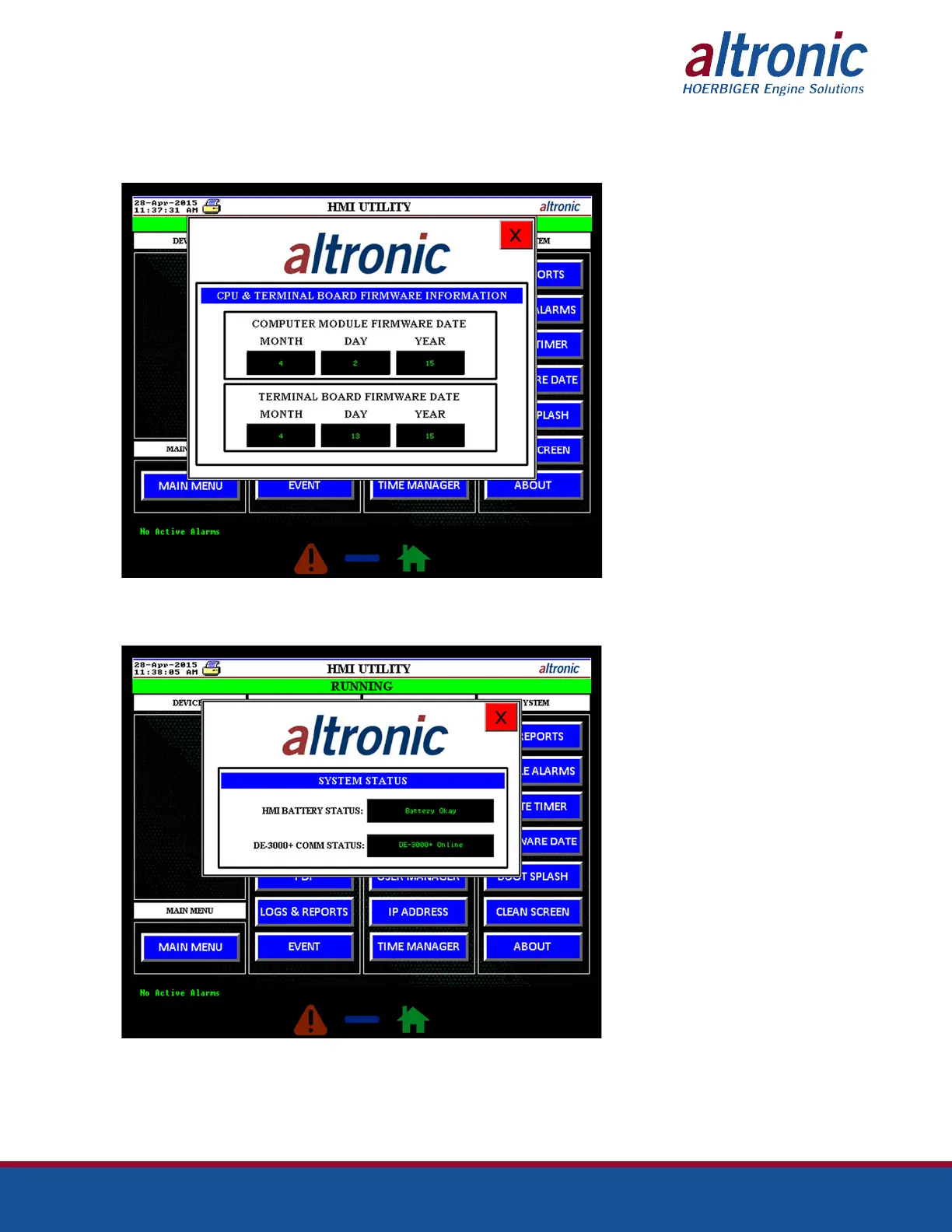
9.28 The CPU & Terminal Board Firmware popup can be accessed by pressing the
“FIRMWARE DATE” button on the MIDAS HMI Utility screen. The CPU & Termi-
nal Board Firmware popup displays the date of the firmware currently installed
on the DE-3000+ computer module and the terminal board.
9.29 The System Status popup can be accessed by pressing the “SYSTEM STATUS”
button on the MIDAS HMI Utility screen. The System Status popup displays the
MIDAS HMI battery and communication status.



 To Next Page