IPB-5000B
6. Description of Display Screens
6-1
6. Description of Display Screens
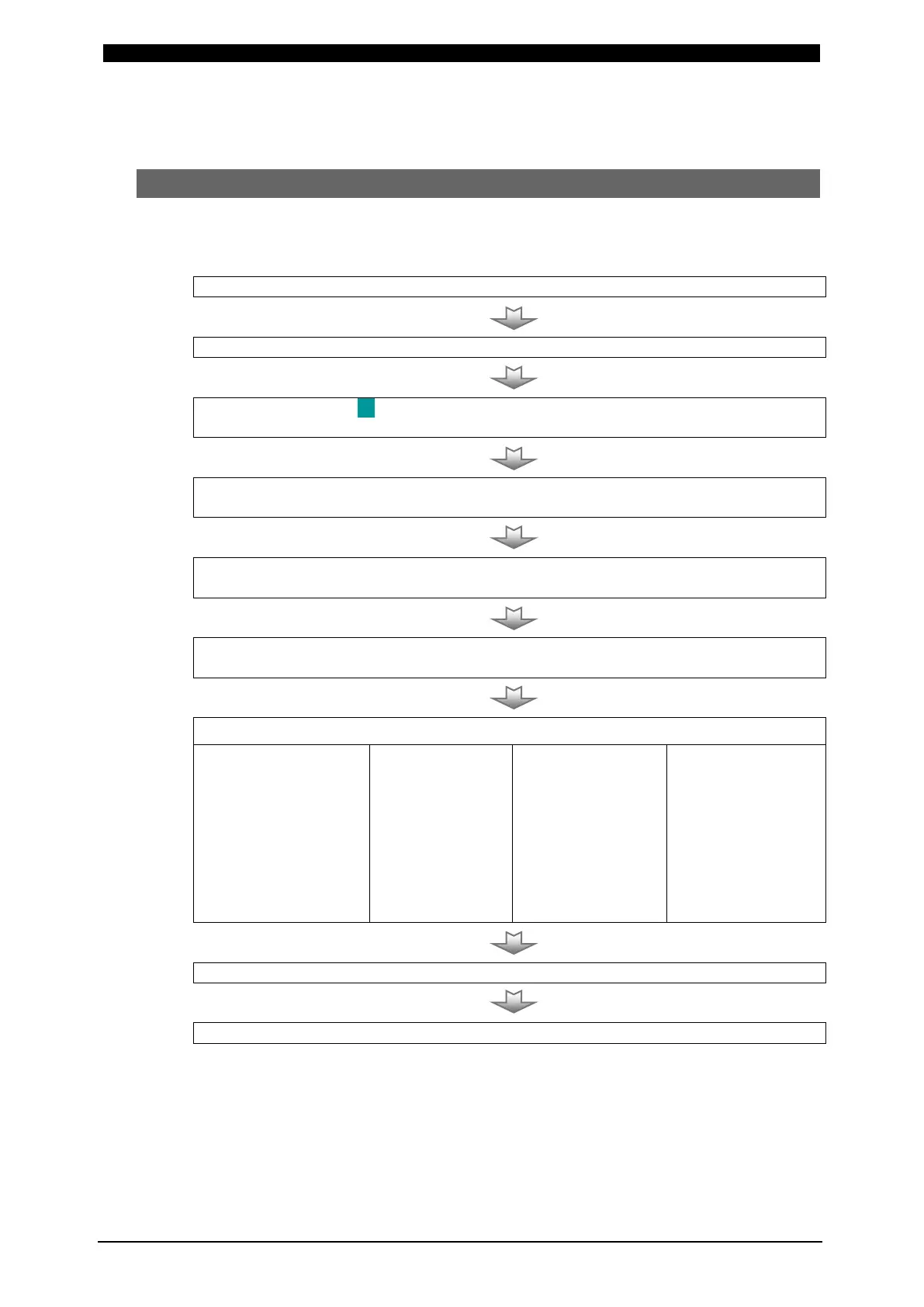
(1) Operation Flow
An example of the operation for the use of Welding Power Supply is shown as
follows:
2. Press MENU Key in the front panel to display MENU Screen
3. Move the cursor ( ) to SCHEDULE Key in MENU Screen and press ENTER
Key to display SCHEDULE Screen
4. Set each value of the followings
(SCH #, TIME, UP SLOPE, DOWN SLOPE, WE1, WE2, TR #)
5. Supply the current for welding (e.g. close Pin No.5 at External Interface in
8.(1))
6. Display monitored CURR, VOLT, POWER and RESI for verifying weld (See (4)
MONITOR Screen)
7. Selection of Several Functions
lower limit of CURR,
VOLT, POWER and
RESIST for judging
Good or No Good of
weld
(See
(5) COMPARATOR
Waveform for
judging Good or
No Good of weld
(See
(6) ENVELOPE
and Control
Voltage for
Precheck Current
Supply
(See
(7) PRECHECK
Function.
Set Displacement
Check Function.
(See
(8) CONTROL
8. Supply the current for welding



 To Next Page