IPB-5000B
7. Basic Operation
7-1
7. Basic Operation
The example of a basic operation is described, using a transformer IT*-780*6 and a
control method of Constant Current Control.
(1) Connect correctly Welding Transformer IT*-780*6 and peripheral equipments to
IPB-5000B, referring to the connection way (5. Installation and Connection).
(2) Turn on the Breaker.
Check that the display screen and lamps are turned on normally.
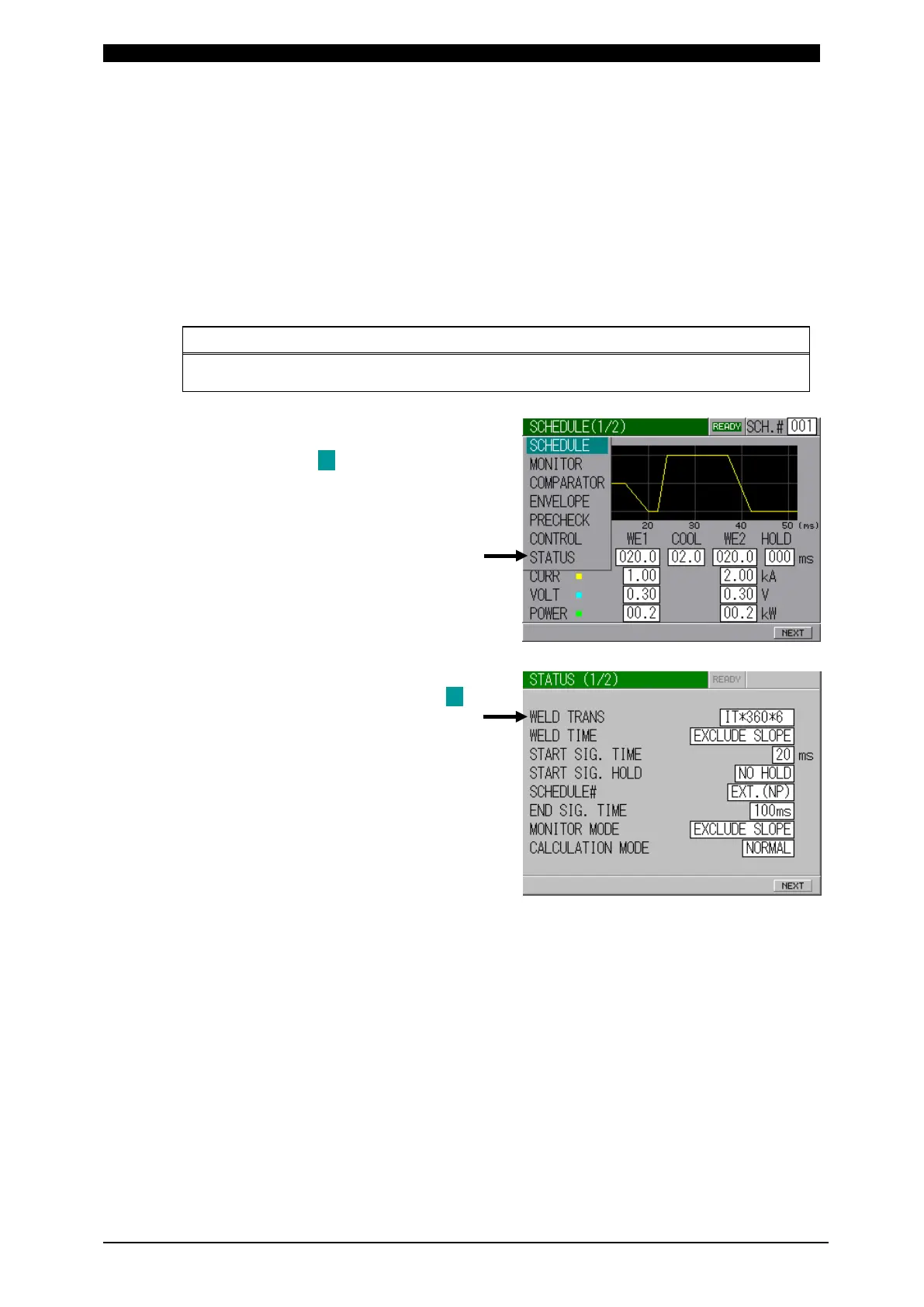
(3) Press MENU key on Front Panel to
display MENU Screen.
Move the cursor ( ) to STATUS and
press ENTER Key.
(4) STATUS Screen is displayed.
Set the function. Move the cursor ( )
to the desired item and press +/- key
to select the function.
Set IT*-780*6 to WELD TRANS.



 To Next Page