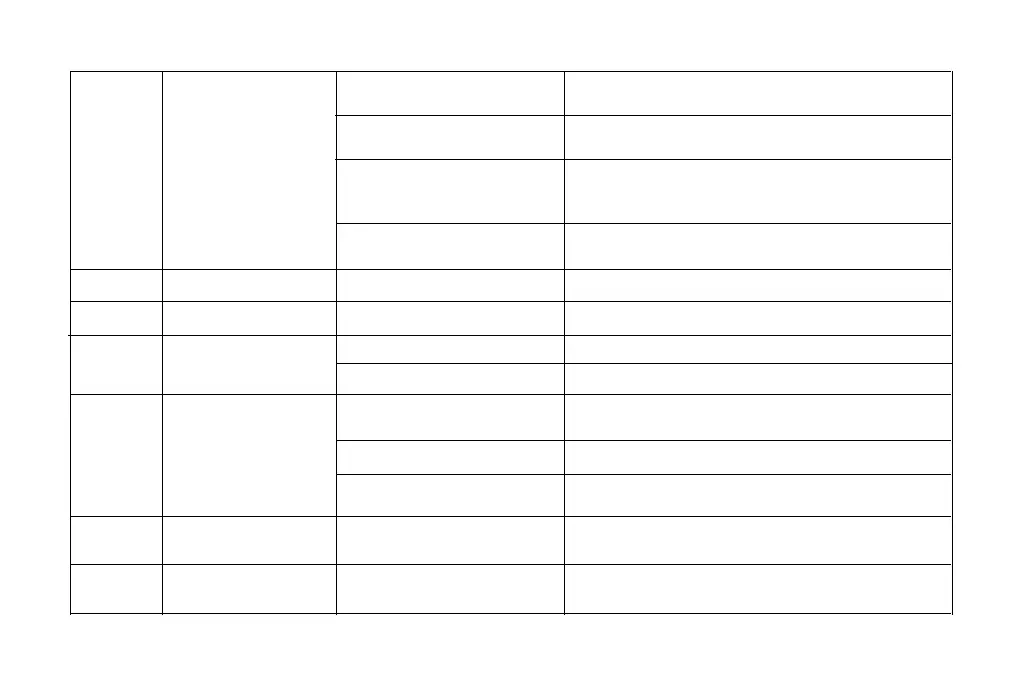
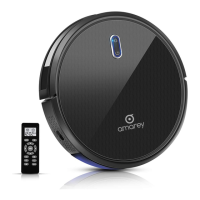
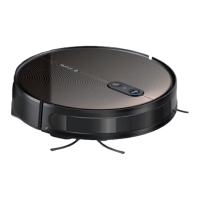
Robot cannot dock
The robot vacuum has been suspended
for more than 30 minutes.
The side brush is not installed correctly.
The left / right wheel may be entangled.
The Main Power Switch on the bottom
of Robot is off
Power is too low to start cleaning
The scheduled time have been set
incorrectly.
It is recommended to suspend the robot vacuum for no more than
30 minutes.
It is recommended to let the robot vacuum start cleaning from the
charging stand.
Keep the recharge route unobstructed.
Avoid moving the charging stand as much as possible. Let the robot
vacuum complete the autonomous cleaning.
Put the side brush into the slot and hear a "click".
Check left / right wheel for entanglement and clean the side wheel.
Turn on the Main Power Switch at the bottom of Robot.
Charge Robot.
Set schedule cleaning according to APP Instruction.
The robot vacuum did not start cleaning
from the charging stand.
The refill route is blocked. For example,
the door of the room where the charging
station is placed is closed.
The charging stand was moved artificially.
Side brush falling down
Left / right wheel abnormal
3
4
5
The dust bin is full
Filter clogged or wet
Empty dust bin
Clean and dry the fifilter or replace it with a new one.
Weak suction
Cannot schedule cleaning
Left/right side brush abnormal
Main brush abnormal
Left / right side brushes may be entangled.
Main brush is stuck or entangled.
Check whether the left/right side brush is entangled and clean the
side brush.
Check whether the main brush is entangled and clean the main brush.
6
7
8
9
30


 To Next Page