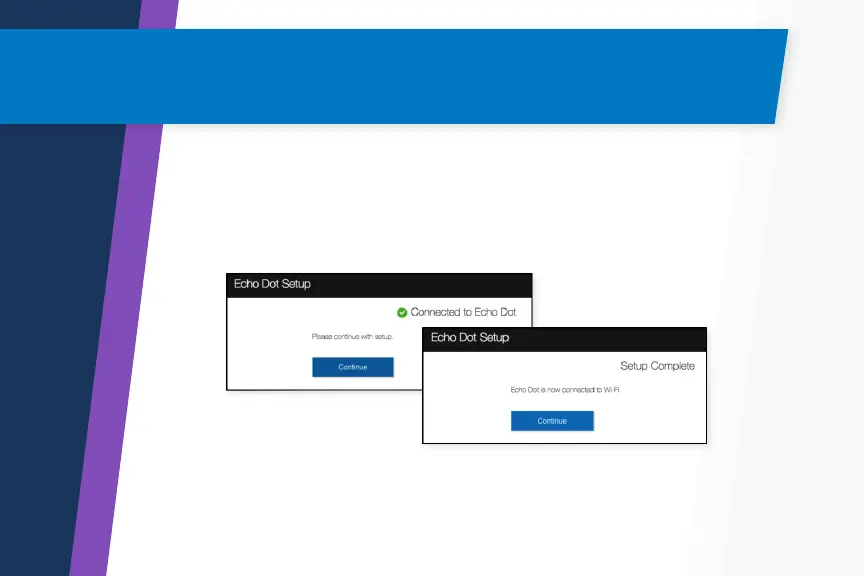
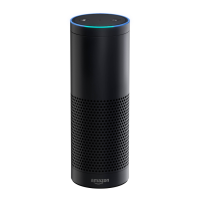
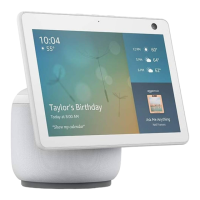
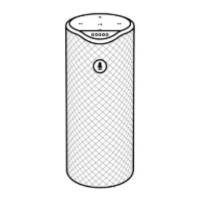
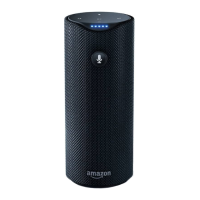
Go to the Wi-Fi settings on your computer and select the network
of the format Amazon-XXX. It may take up to a minute to display.
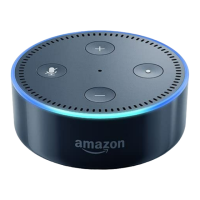
Wait until the Echo DOT says you are connected, and then continue.
Once your device is added, it will synchronize with your
Amazon account.
Connecting Your Computer to
the Echo DOT
5


 To Next Page