information about the book through a single click.
Select if you want to see information about the book when you open it for the first time.
Select if you want to automatically see the highlight menu when you select a passage of text.
Select if you want to display hints above challenging words in many popular English-language titles. To turn
off multiple hints for a word, disable the Show Multiple-Choice Hints option. Use the Language option to
choose between English and Simplified Chinese Word Wise hints.
Select if you want to see pronunciation guidelines above Chinese characters.
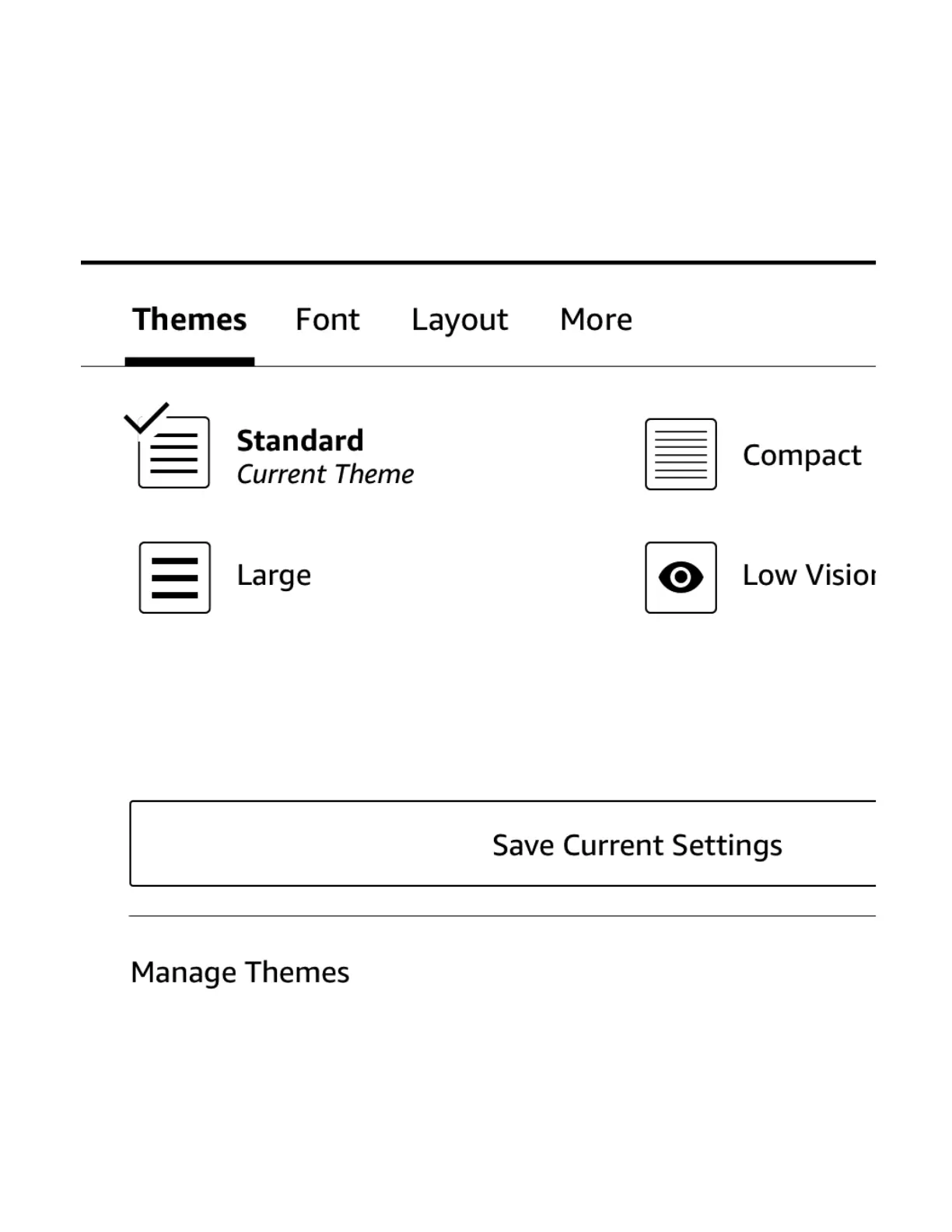
Save your current settings for Font, Page and Reading options to a new page display theme that will then be
available as a choice in the "Page Display" drop down.
Rename, delete and manage visibility of the reading themes in the "Page Display" drop down menu
https://d1ergij2b6wmg5.cloudfront.net/kug/kindle_scribe/v1/en-US/htm...














 To Next Page