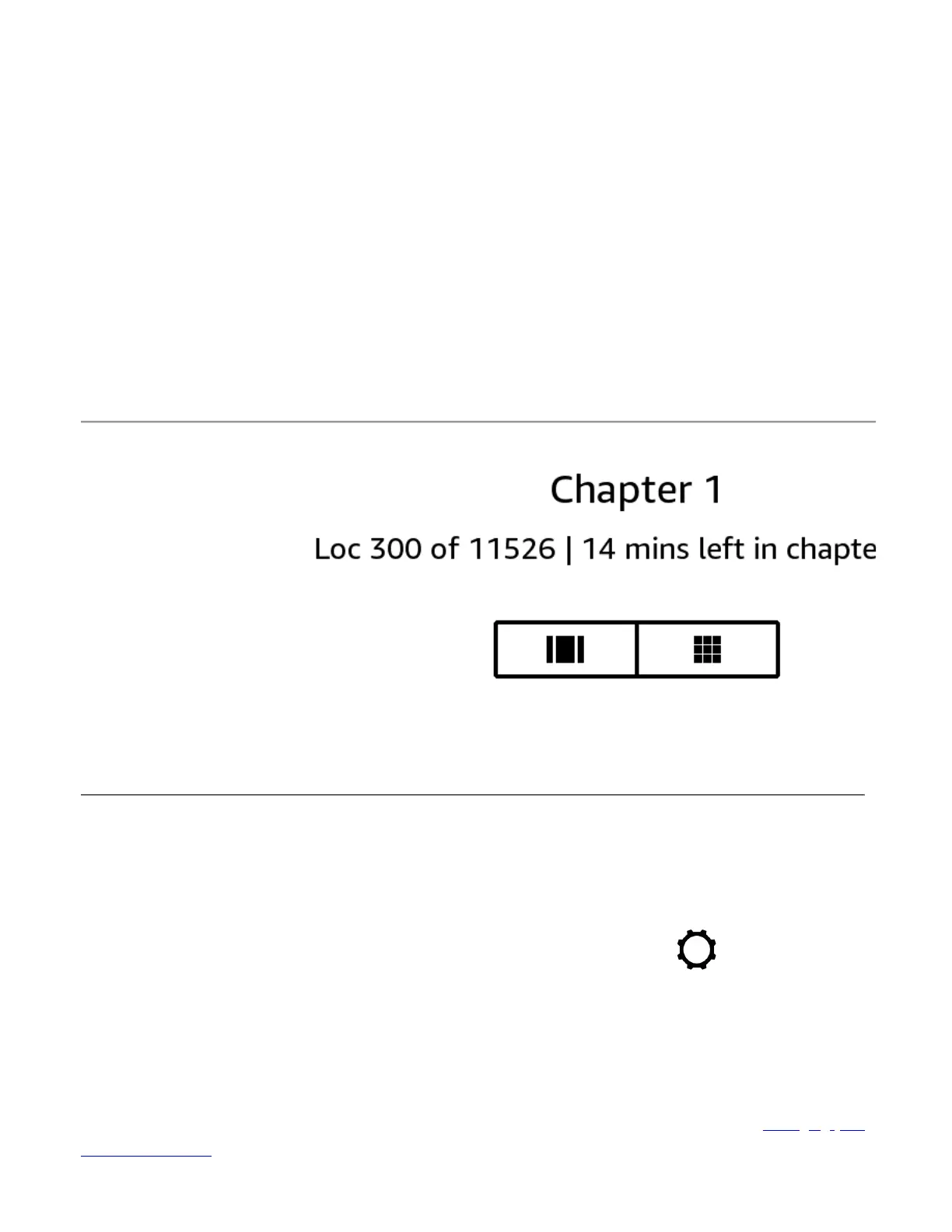
Note that not all Kindle books include page numbers. To hide reading progress, select the None option.
Because Kindle books can be read on devices with different screen sizes, locations identify specific places in a book,
just like a page number would for a print book. Location numbers allow you to direct a friend to the exact same place
in a Kindle book you are reading. Many Kindle books also contain page numbers that correspond to the real page
numbers in an actual print book.
The Time to Read feature uses a unique algorithm to estimate the amount of time it will take you to complete the
chapter or book based on your past and current reading speed. Your specific reading speed is stored only on your
Kindle; it is not stored on Amazon servers.
When you tap the top of the screen, the chapter name (if available) also displays on the Reading Navigation toolbar.
On your library page, dots below the book title indicate how long the book is, with bold dots showing how far you
Customizing your Kindle settings
To go to the Settings page, Open the Quick Actions menu, then tap the All Settings icon (
More menu from the Home screen, and select Settings. Your Kindle must be registered to view all settings. Settings
are grouped into categories: Your account, Wi-Fi and Bluetooth, Device options, Pen settings, Screen and brightness,
Accessibility, Home, Library, and Notebooks, Help, and Legal and compliance.
Add individuals to your Household to share content. For more information, see
. This feature is currently only available in the United States, United Kingdom, and Germany.
https://d1ergij2b6wmg5.cloudfront.net/kug/kindle_scribe/v1/en-US/htm...














 To Next Page