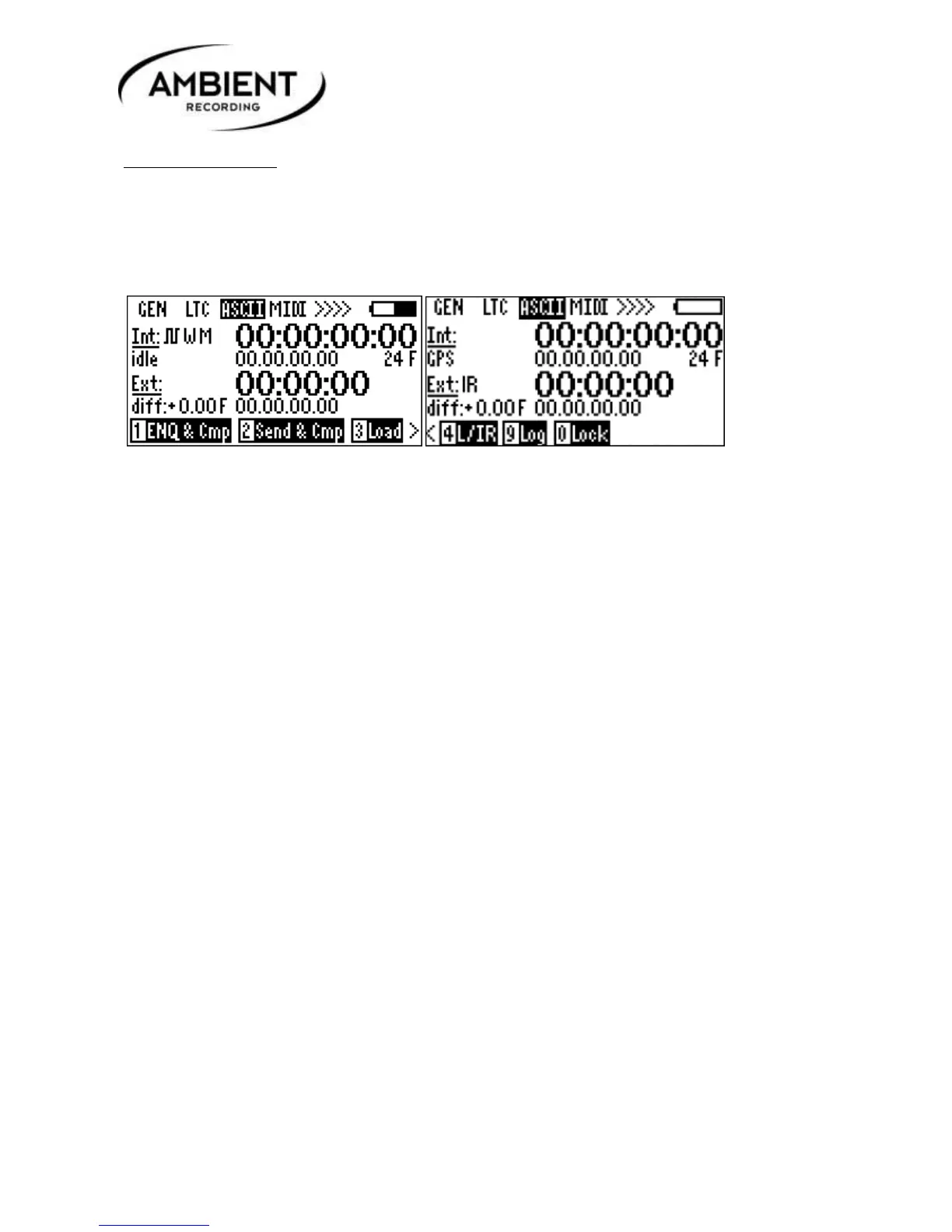
6.4 ASCII menu
In this menu timecode can be sent, received and compared using the Aaton ASCII protocol. This
protocol sends and receives ASCII messages about timecode and is not a continuous data transfer. The
Ambient IR interface also can be used to communicate this protocol with external timecode equipment
cable free.
.
Press 1, ENQ & Cmp: Sends and receives message to enquire and compare status of the connected
device and returns status to the display.
Press 2, Send & Cmp: Sends and receives message from connected device and compares to check if
correct time has been set.
Press 3, Load: Sends and receives message from selected device and loads value into generator.
Select: 1: Time / 2: User bit / 3: Both
Press 4, L/IR:
The Aaton-ASCII protocol can be transmitted either via the Lemo connector or the infrared interface.
Pressing key 4 “L / IR” toggles between infrared and Lemo connector:
When set to infrared, the token “IR” is displayed next to “Ext:”
The procedure of setting or enquiring of the time is identical for Lemo or IR-interface.
Press 0, Lock: Locks out keypad. Release with shift + lock.



 To Next Page