6. Menus
6.1 CONF menu
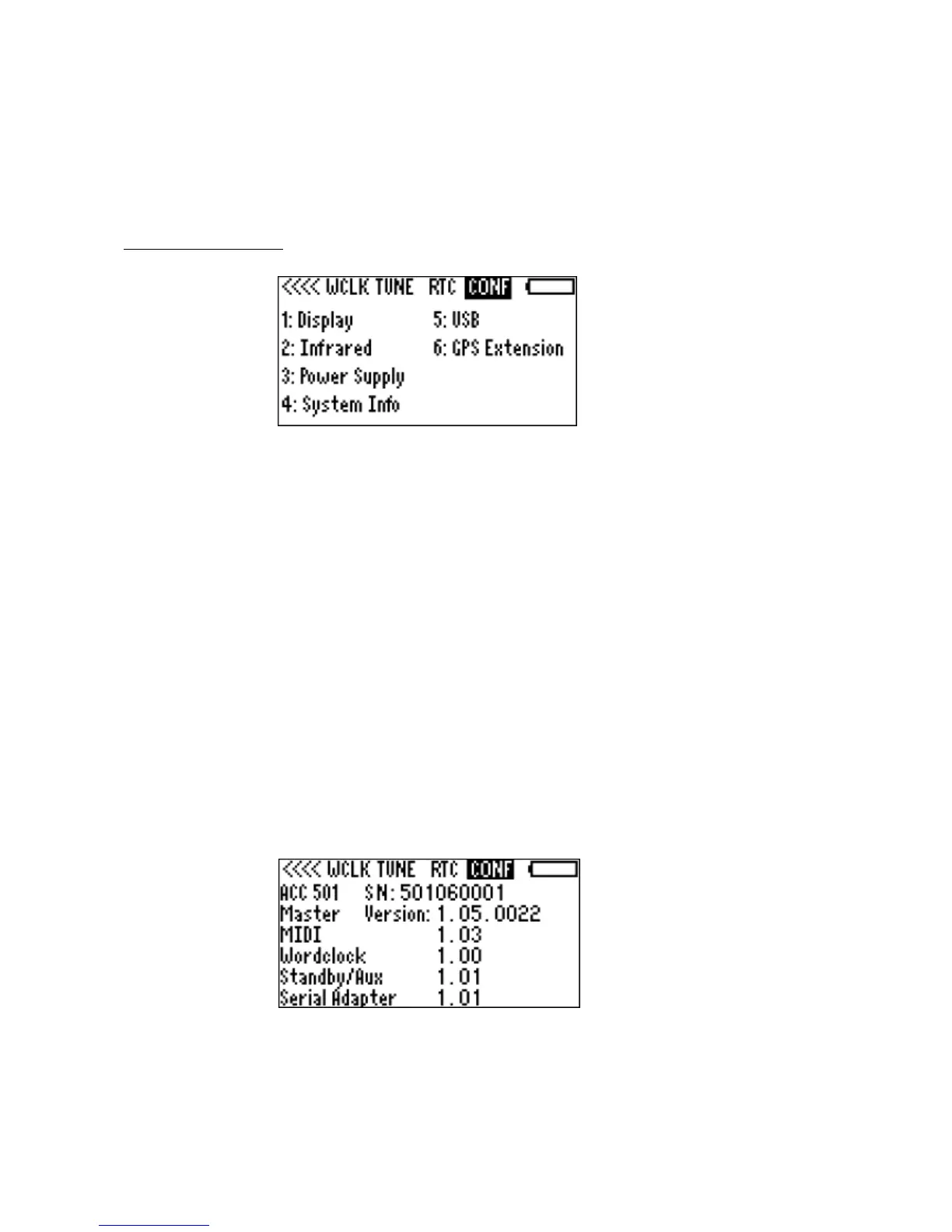
This is a general menu for the controller status and control and monitoring of peripherals.
Select option by pressing corresponding number.
1: Display:
Change display contrast and default backlight brightness and switch off time.
2: Infrared:
Displays transceived ASCII characters, allows for a test and reset.
3: Power supply:
Shows voltages at power inputs
4: System Info:
Shows the serial number of the unit and the software versions of the various modules currently loaded.
Upon start up, the ACC501 checks if a ACCSI (Ambient Serial Interface) is connected and displays the
firmware version:
Please note: From board revision “A” on the revision is displayed next to the serial
number.



 To Next Page