User’s Guide
18
Installing the Software Drivers in Windows 2000 Operating System
To install the cable modem software drivers using the Windows 2000 operating system:
1.
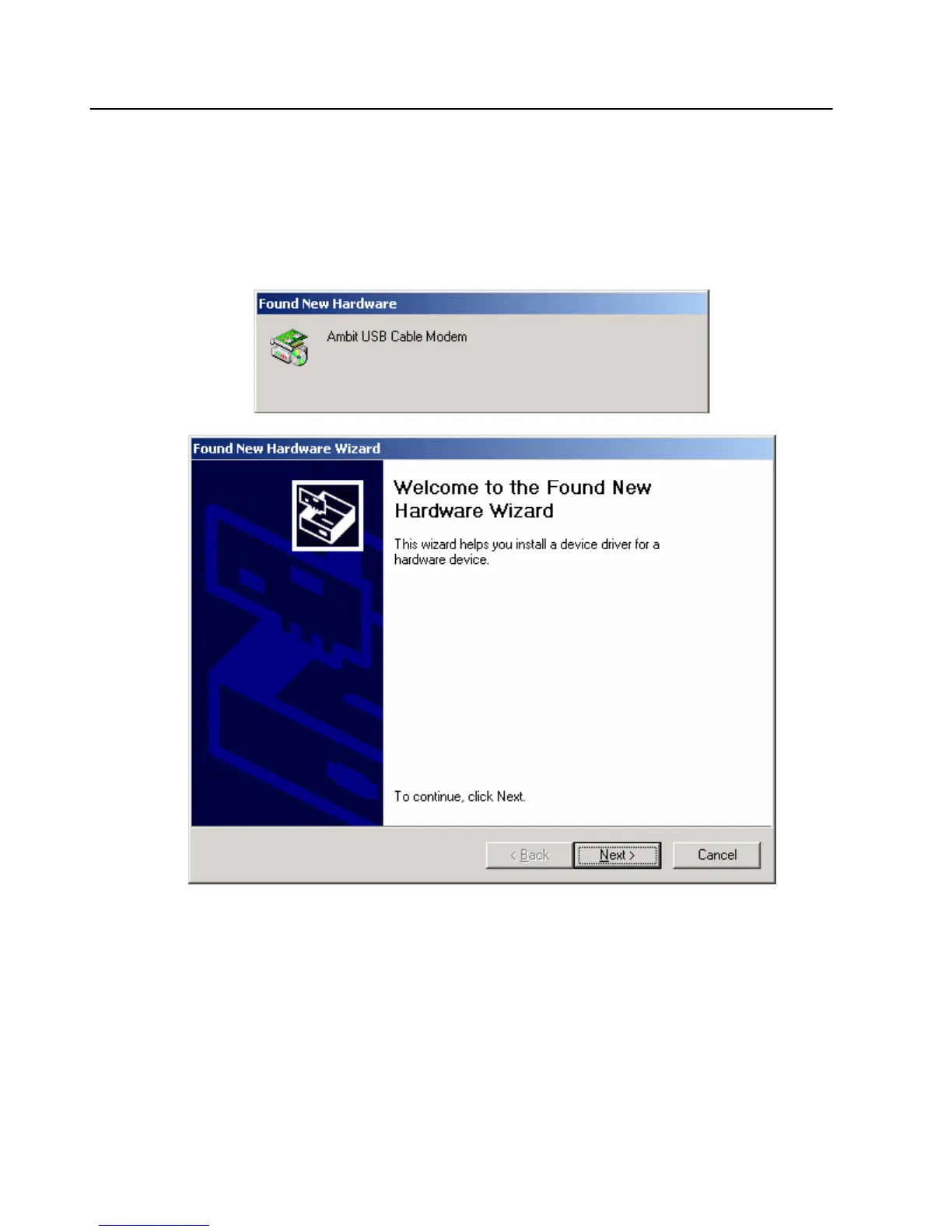
Power on your PC. After your computer boots, Windows detects the cable modem. The Found
New Hardware screen appears, followed by the Found New Hardware Wizard screen.
2.
Insert the CD into the PC’s CD-ROM Drive and click Next. You will see the following screen.


 To Next Page