User’s Guide
8
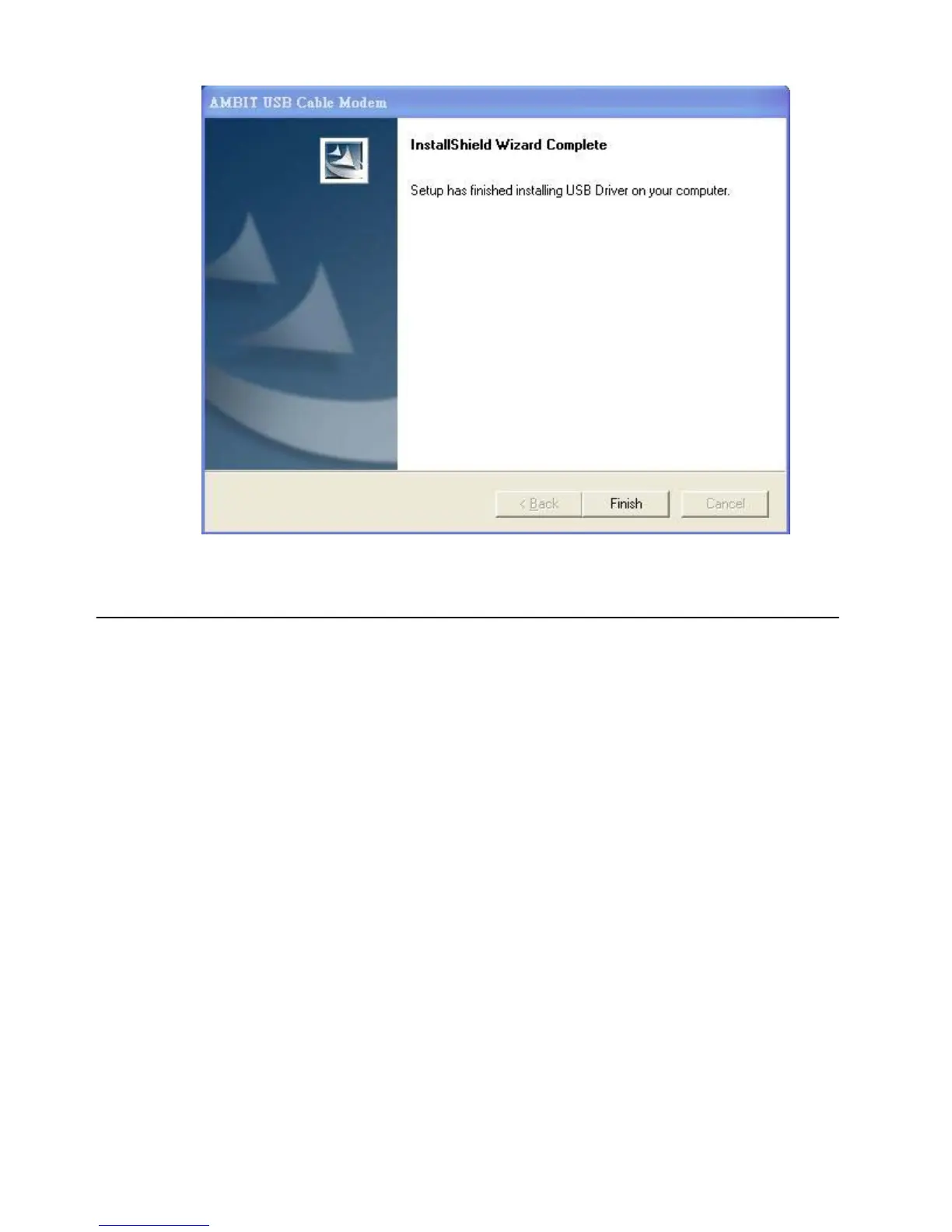
5. Click Finish. Now you can install the hardware.
Installing the Hardware
This section explains how to connect the cable modem to the computer, wall outlet, and electrical
outlet.
To install the hardware:
1. Power off the computer
2. Connect one end of the coaxial cable to the cable modem’s cable connector. Connect the
other end of the coaxial cable to the cable wall outlet. Be sure not to bend or over tighten the
cables as this may strain the connector and cause damage. If you plan to connect the cable
modem and television to the same wall outlet, you must use a cable line splitter (not
included).
3. Connect one end of the USB cable to the cable modem’s USB port and the other end of the
cable to the USB port on the PC.
4. Plug the cable modem’s power adapter into the cable modem’s power jack and into a wall
outlet or surge protector.
5. You are now ready to install the software drivers.


 To Next Page