User’s Guide
5
Prepare Your Area for Cable Modem Installation
Before installing your cable modem, you should first prepare your area. To do this:
1. Locate your cable outlet and ensure that it is located within proper distance of your cable
modem and computer. Be sure not to bend the cable as this may strain the connector and
cause damage.
2. Ensure that the temperature in the room where the cable modem will be operating is
between 0 and 40°C (32 and 104°F)
Gather Supplied and Required Items
You will use a variety of items to install your cable modem. Some of the items are supplied with
your cable modem.
Supplied
Verify that these items were included in the cable modem’s package:
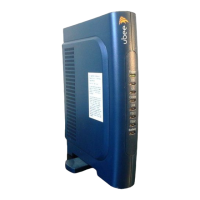
• Cable modem
• Power adapter
• USB cable (1.5m)
• Ethernet cable (1.8m)
• CD containing USB drivers
• This User’s Guide
Not Supplied
Verify that these items are available before beginning the installation:
• If using the cable modem’s USB port:
o A PC running Windows 98 Second Edition (SE), Windows Me, Windows 2000, or
Windows XP. The cable modem’s USB setup does not support the Macintosh
operating system, Windows 98 First Edition, and NT.
o Windows 98 SE, Windows Me, Windows 2000, or Windows XP CD or diskettes.
o An active USB port on your PC.
• If using the cable modem’s Ethernet port:
o A PC running Windows 95 (or later) operating system or a Macintosh computer
running system 7.6 (or later) operating system
o An active Ethernet port on your PC or Macintosh


 To Next Page