How Your EASYHEAT Works
28
Precision Induction Heating
MBRELL
®
-
-
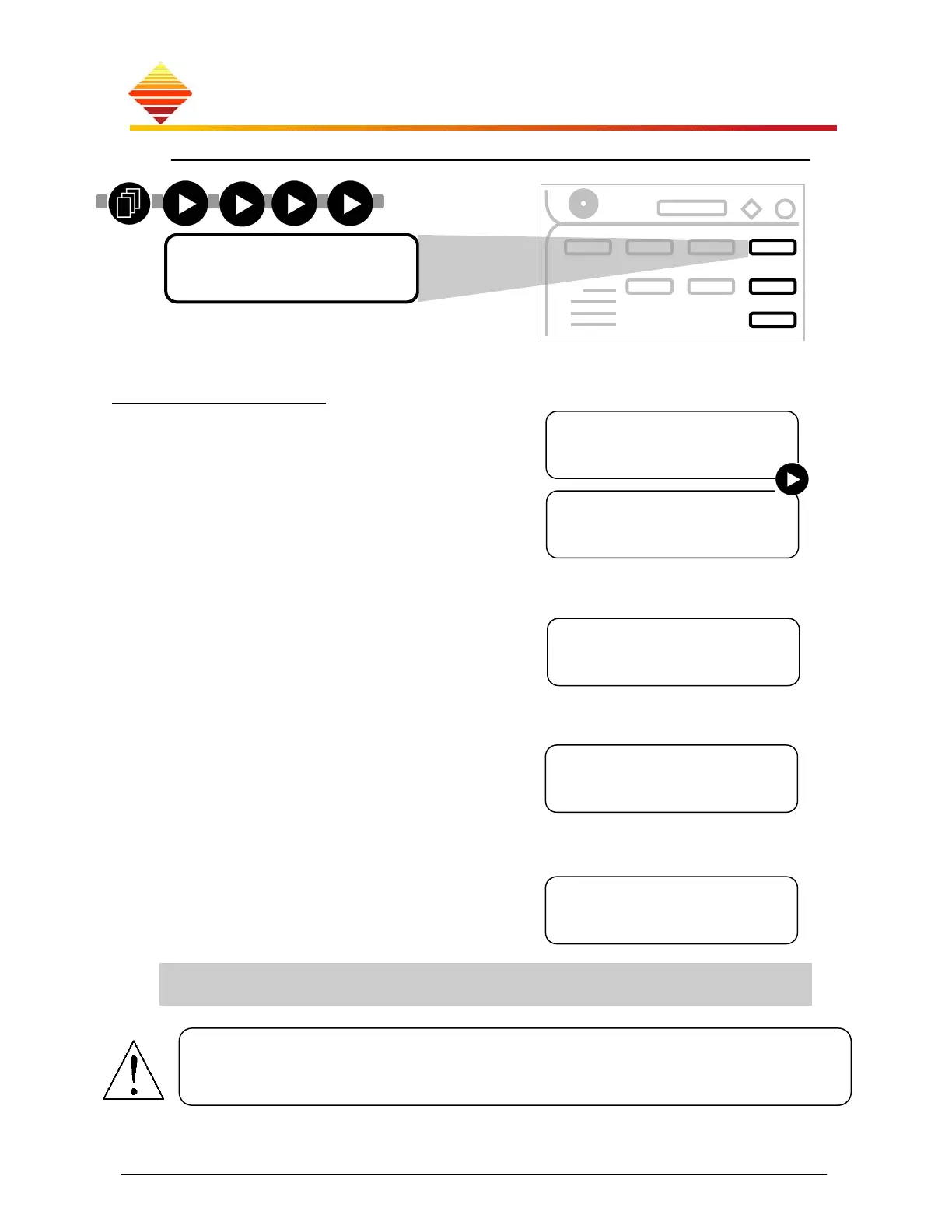
(Once this screen is displayed, press ; use ▲/▼ to select operating features):
Heat Station
This enables the power supply to operate after
you make changes to the work head
configuration, or if you select from two different
work heads. (Cap settings need never be
changed if you make no changes to the work
head; tap settings may change with use.
To change, press ► for changes to either
capacitor or to transformer tap settings
to select capacitance
Although factory-set, you must ‘inform’ the
EASYHEAT of any changes you make to the
RF transformer taps or tank capacitor (see §3.5,
tap changing instructions.)
select the correct work head model (▲,▼)
1600SP Series
800S Series
800P Series
400 Series
300S Series
300P Series
150 Series
Custom
(This information provided by us)
to select capacitance
▲▼ to adjust
to select next cap
to save
If you have changed the transformer tap setting
(§3.5), you must ‘inform’ the power supply:
select the correct tap setting (▲,▼)
Failure to match Tap or Cap settings with the workhead configuration may result in
false displays and loss of component protection. This does not change capacitance.
Choose Model
150
Choose Menu
►Modify Tap
Choose Menu
►Modify Cap
Select Tap
18
C1 Value
0.10uF
►
►
► ►
►
►
Menu Selection
►Heat Station
Whenever you are unsure about the correct tap selection for your application, follow
this rule: start high, work down. Beginning from the highest transformer taps
presents the least stress to the EASYHEAT.



 To Next Page