How Your EASYHEAT Works
24
Precision Induction Heating
MBRELL
®
-
-
Start from
►Front Panel
2
2
.
.
2
2
C
C
o
o
n
n
t
t
r
r
o
o
l
l
Z
Z
o
o
n
n
e
e
This is how you review or change operating characteristics of the EASYHEAT. Control
Zone is accessible only while heat is off.
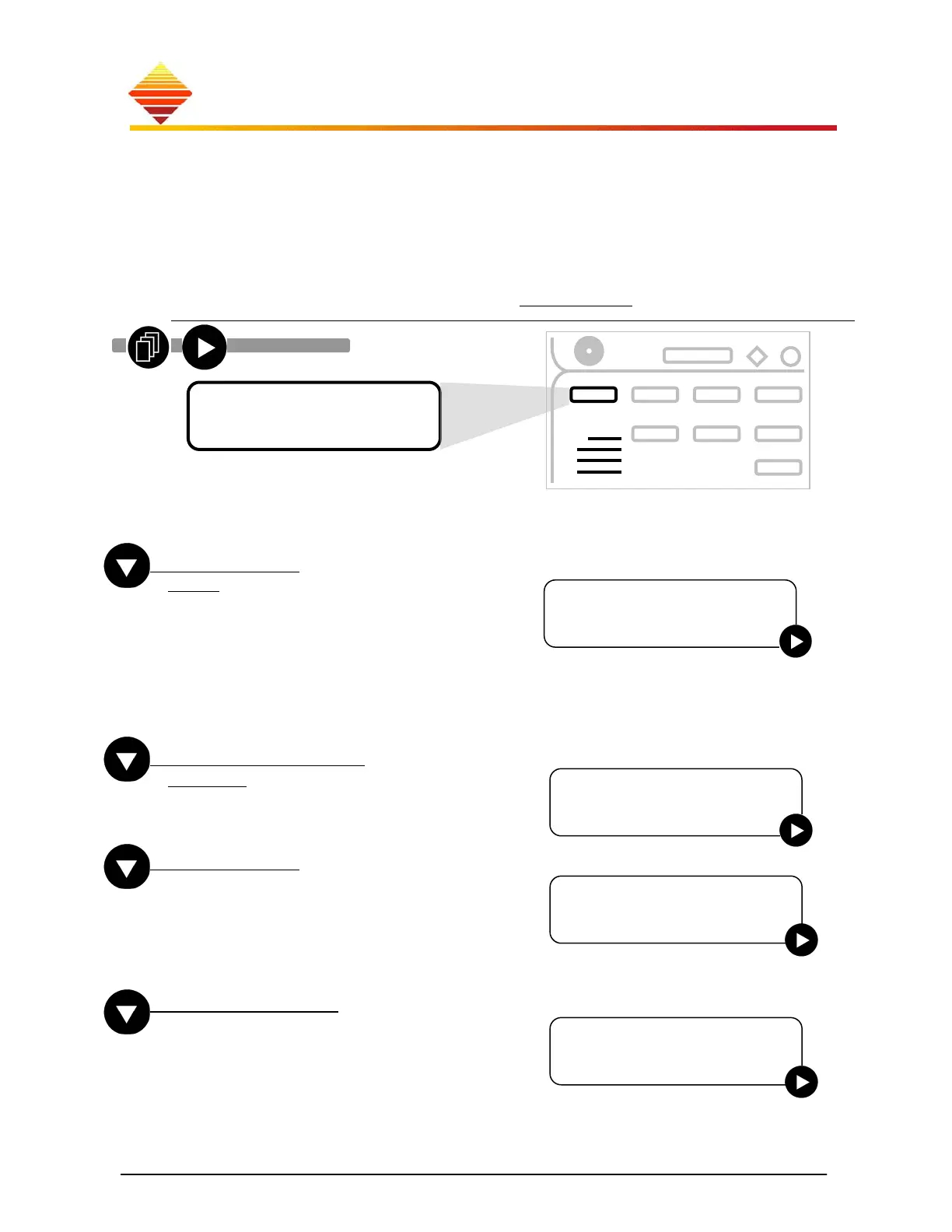
From the Home zone, press
, the Control Zone menu is shown. Use ► to select
from 4 sub-menus, detailed below (defaults underlined).
Once this screen is displayed, press ; use ▲/▼ to select operating features; we present
the selections starting with the bottom of the list, working up...
Start From
Front: to START heating from the front panel
Rear: you attach your remote signaling source
(PLC, relays, etc.) to CTB1 at the rear and
START with those signals.
RS485 4 Wire: if ‘Communication = RS485 4
Wire’, below, select this to start heating with
serial command (STOP always works from front
or rear)
Language Choice
English: select arrow for available language(s)
AC Voltage
We have configured this for your model and mains
level; do not change! If you must connect to another
voltage range, see §3.6 or contact Ambrell Service.
230 V models: 187-230 | 230-264
440 V models: 370-440 | 440-520
Auxiliary Out
Auxiliary Output provides a scaled output of the
user’s selected power supply attributes: Coil
Current, RF Power or operating Frequency.
Language Choice
►En
lish
Menu Selection
►S
stem O
tions
►
►
► ►
►
►
AC VOltage
►440-520 VAC
Auxiliary Out
►Power (4-20mA)



 To Next Page