101
To reset to default settings, click the Reset Defaults button. To refresh the page, click the Refresh button. To save the settings,
click the Save button.
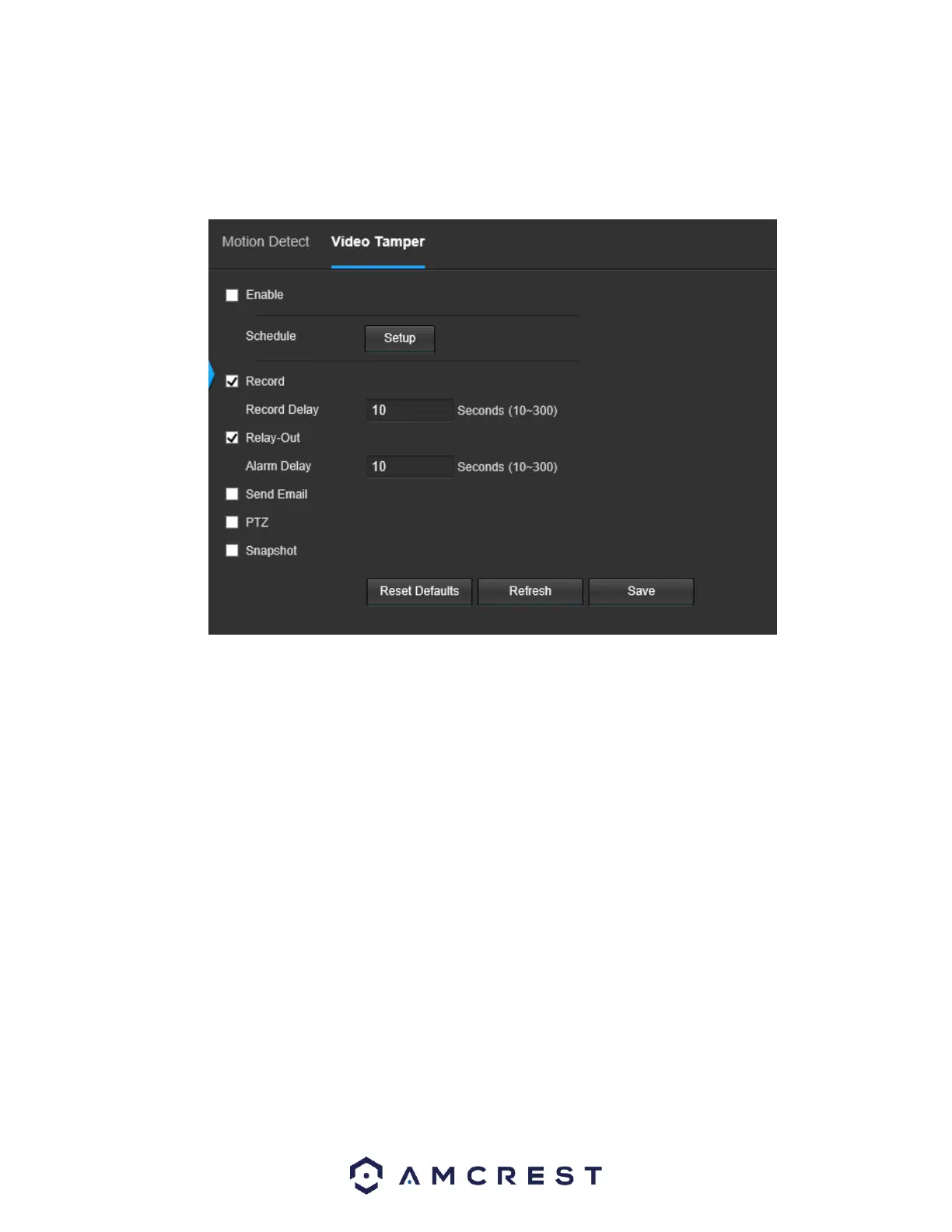
5.4.3.1.2 Video Tamper
This tab allows the user to modify video tamper settings. Below is a screenshot of the Video Tamper tab:
Below is an explanation of the fields on the Video Tamper tab:
• Enable: This checkbox enables a video tamper alarm for the camera.
• Schedule: Clicking this button opens a weekly schedule that can be used to set times.















 To Next Page