18
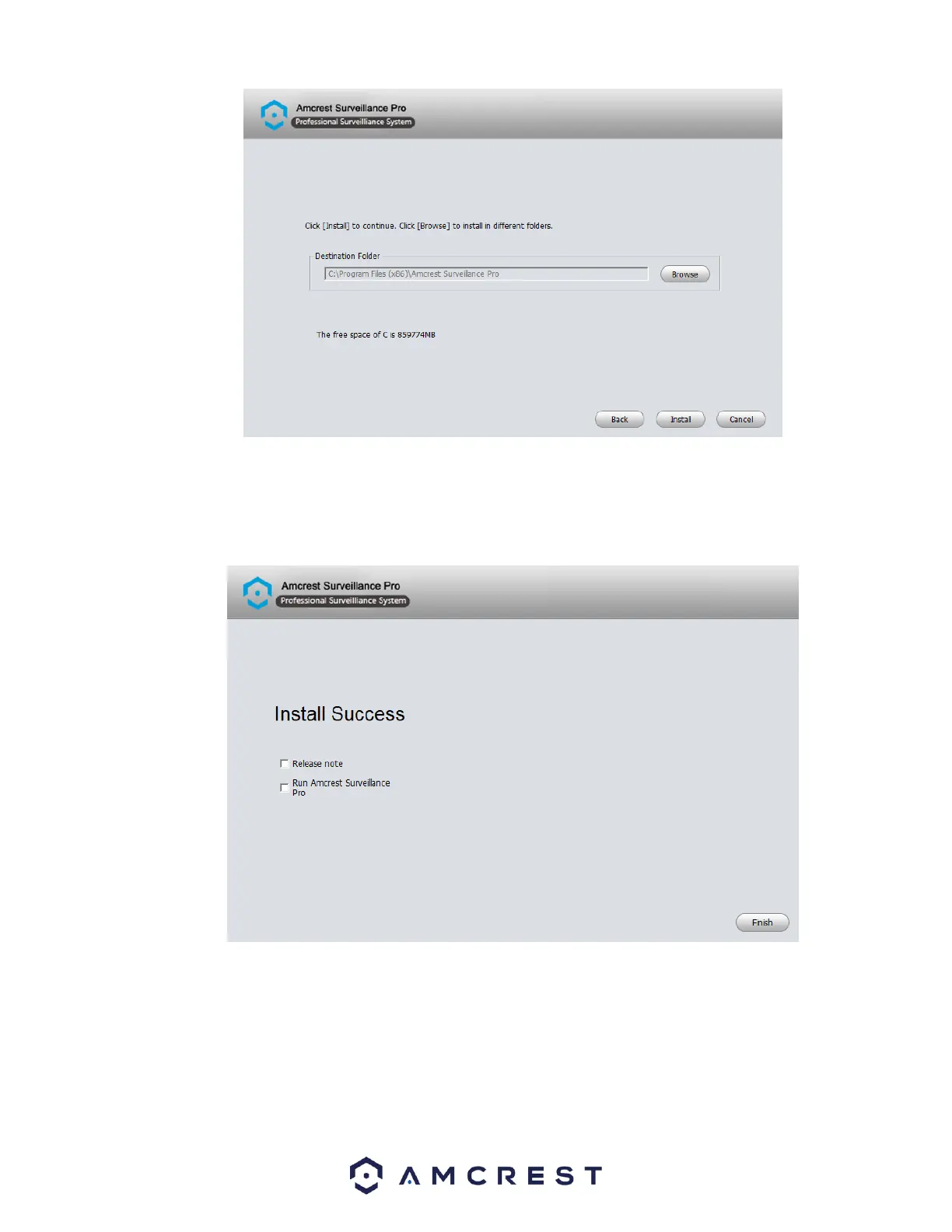
Once the software has finished installing you will see a few options. You will have the options to view the release note and run
the Amcrest Surveillance Pro software. To view the release notes after pressing Finish select the Release note checkbox. To begin
running the software directly after pressing finish, select the Run Amcrest Surveillance Pro checkbox. When complete, click the
Finish button to proceed.
Setting a Password
After the installation of the Amcrest Surveillance Pro software you will need to set an administrator password. This password will
be set password for the admin account on the software. When a valid password has been entered, confirm the password in the
Confirm Password field and click OK to continue.















 To Next Page