17
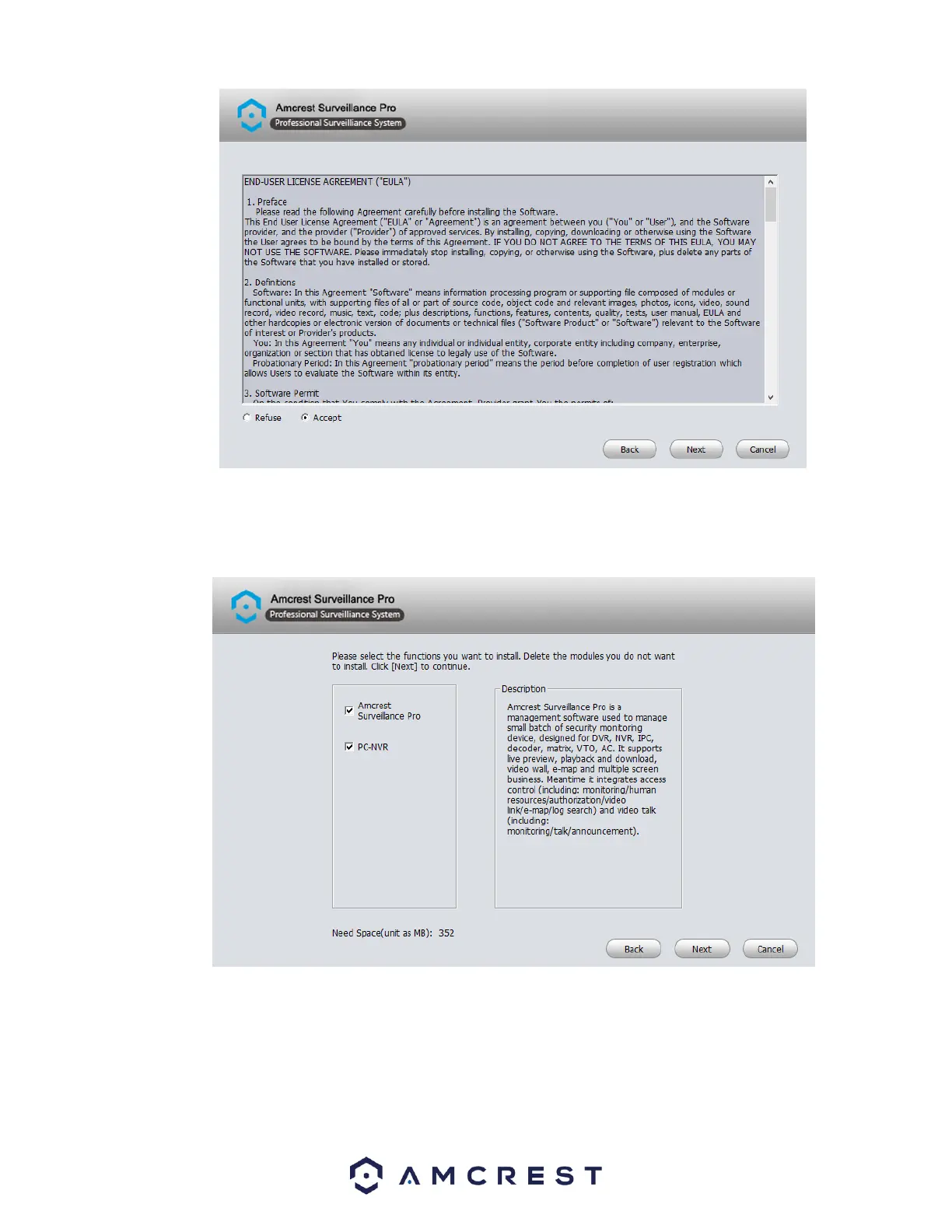
Select the functions that you want to install with the software. You can choose to bundle the PC-NVR function with the software.
PC-NVR turns your computer into an NVR and will utilize your hard drive (HDD) on your PC to store and access recorded video. To
proceed with the installation, click Next.
Select the destination folder in which you would like recorded files to be retained. To choose a folder, click on the Browse button
and select the folder. Once a folder has been selected, click the Install button to begin installing the software on your computer.















 To Next Page