36
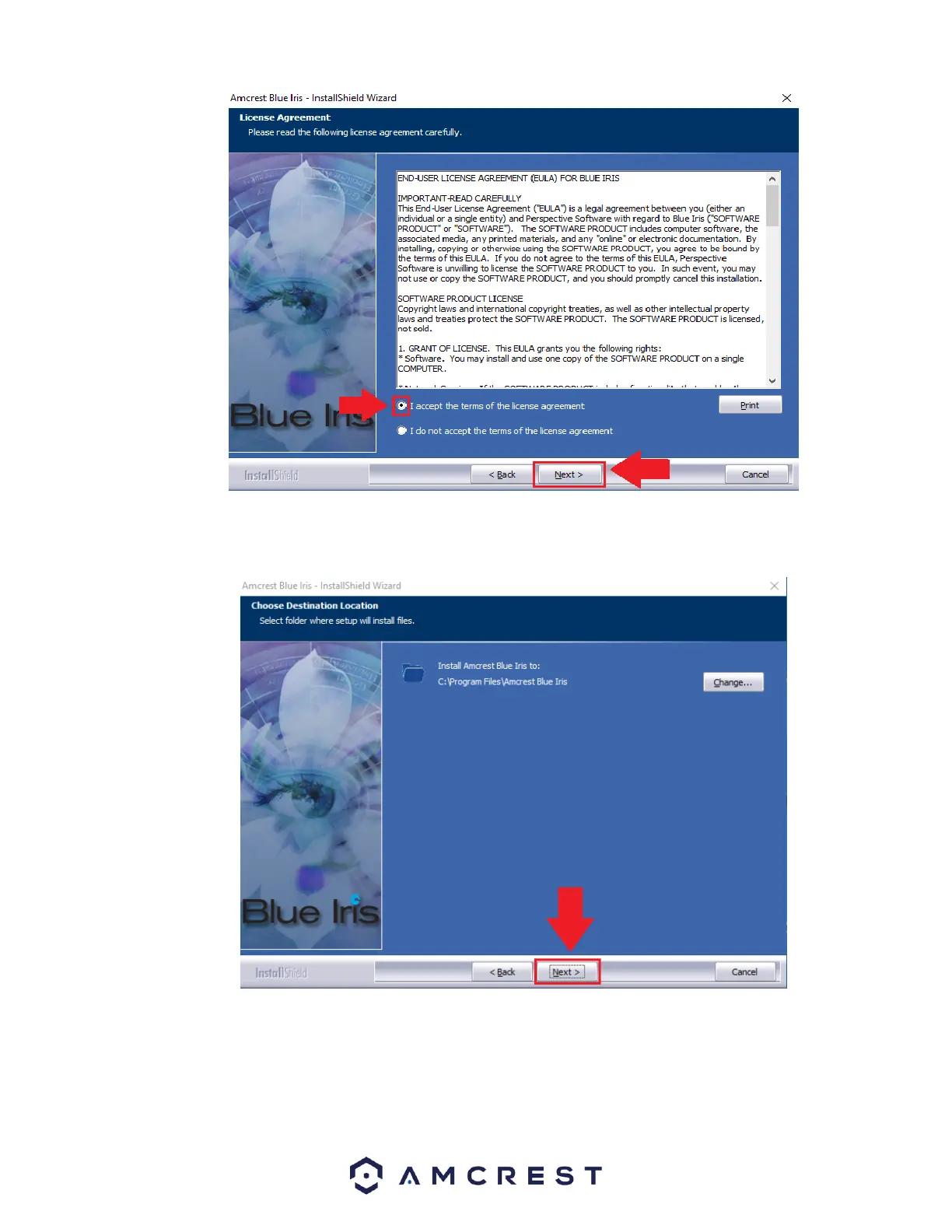
Choose a file destination in which you would like the Amcrest Blue Iris software to download. If you would like to specify another
path, besides the default path, click Change. It is recommended to leave the default download path when installing the software.
To continue the installation, click Next.
Select the features you want to install and deselect the features you do not want to install. If your OS is 64-bit it is highly
recommended to leave this option at 64-bit. To continue, click Next.















 To Next Page