58
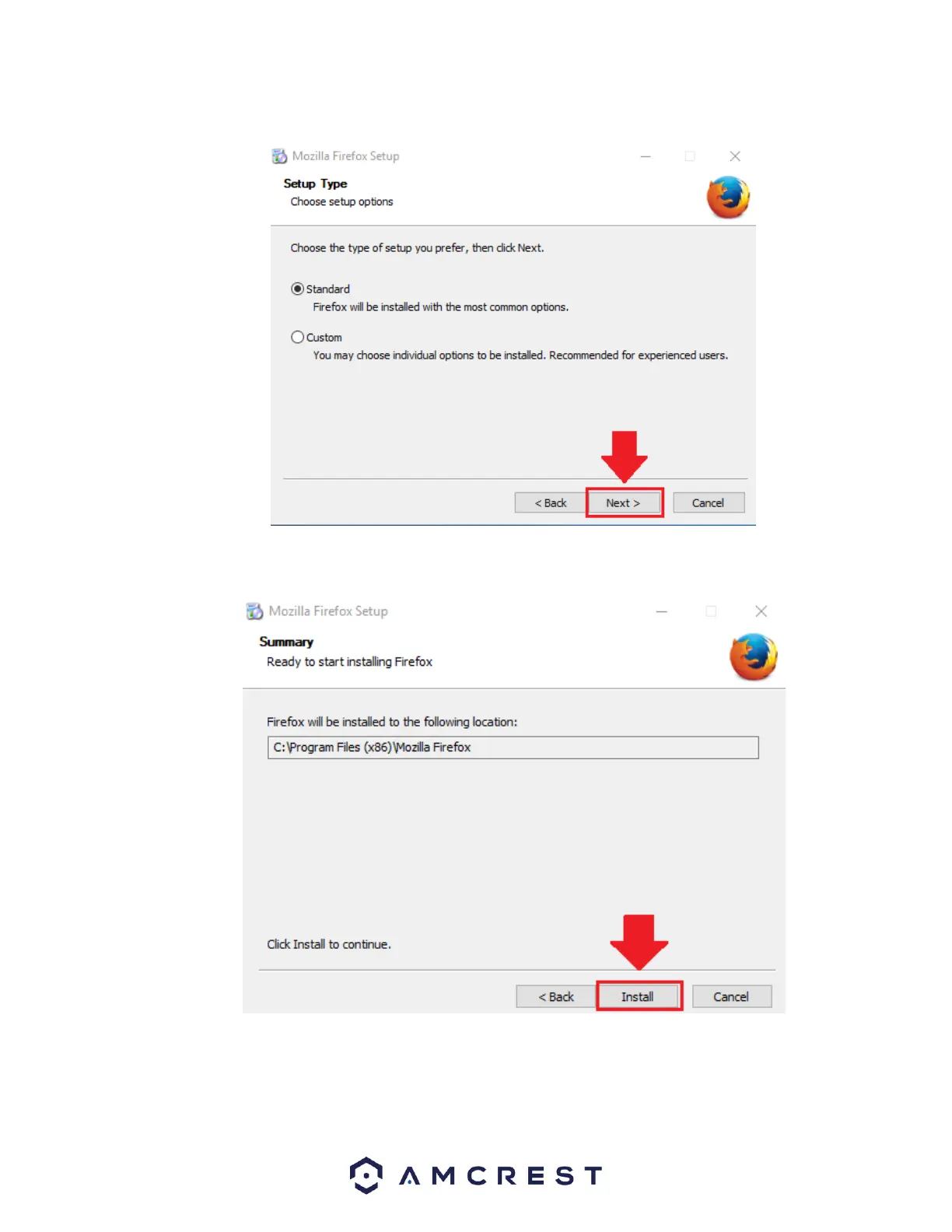
Choose the type of setup you prefer. There are two types of setup, Standard and Custom. In this case, it is recommended to run
the standard setup since it is the most common. This is selected by default in the wizard. To continue, click the Next button.
The wizard will then prompt you to install the software onto your computer. Click the Install button to install the browser.
When the installation is complete, click on the finish button to automatically launch the browser.















 To Next Page