80
To reset to default settings, click the Reset Defaults button. To refresh the screen, click on Refresh. To
save the settings, click the Save button.
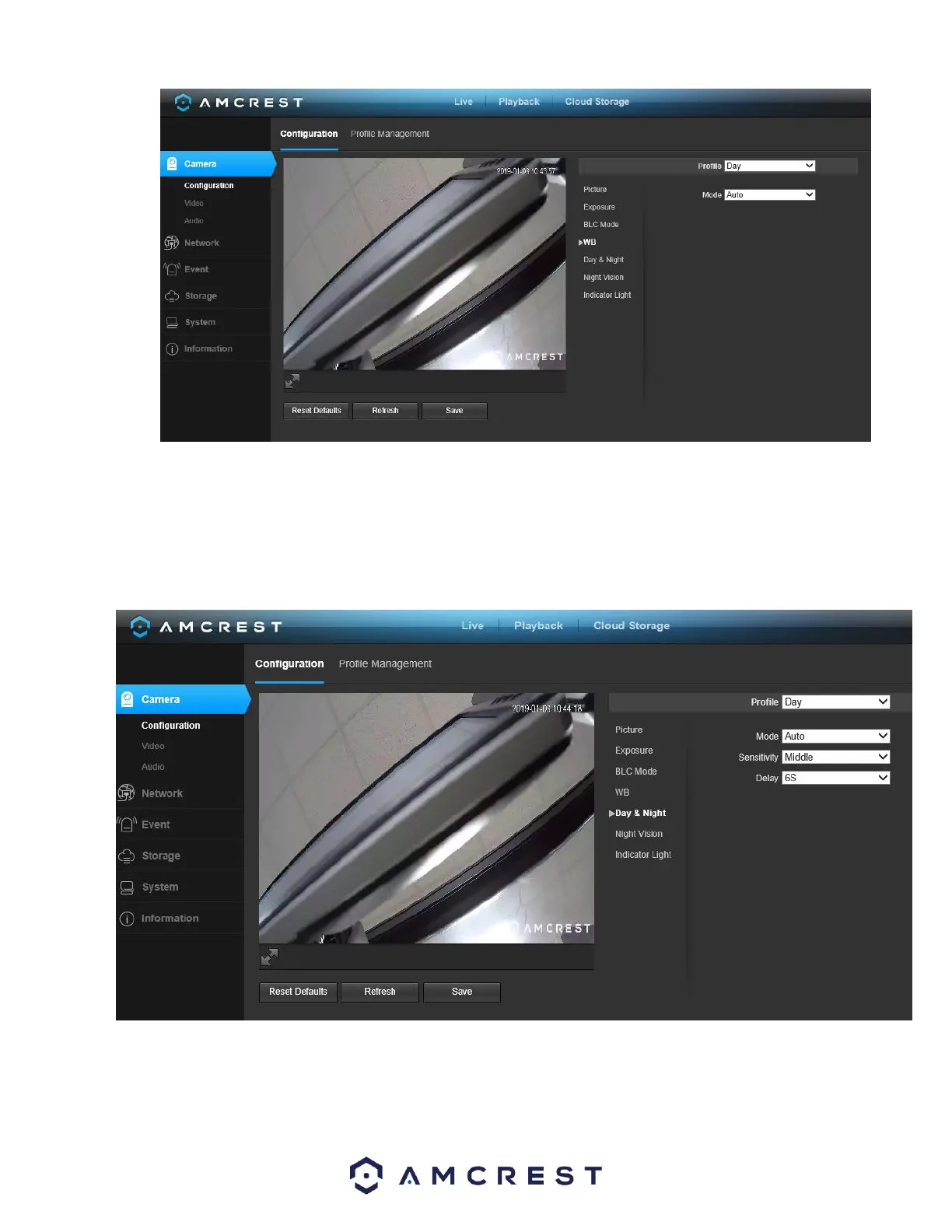
5.4.1.5. Day & Night
Used to determine when black and white mode is turned on in a dark environment. Below is a screenshot of this menu:
• Color - always represents picture in color, does not use IR or black and white mode. Performs poorly in
dimly lit areas unless you are using the Starlight series cameras.















 To Next Page