5
• Cloud Storage Functionality
This camera can record video streams to the Amcrest Cloud service to enable long-term storage
for recordings. Amcrest Cloud also allows the user to easily find and download recorded video
for playback from any internet connected PC or Mac computer.
• Advanced Network Protocol Support
This camera is UPnP compatible, and includes functionality for use with PPPoE, DDNS, and other
protocols to allow remote and local connection with a large variety of network hardware.
Note: There may be slight differences in functionality due to the existence of different product series.
IMPORTANT: Due to specific hardware limitations within your camera it is important to note that these
devices will not be able to automatically pan/tilt or pivot in either the app or via the web UI on a
computer. For this reason, it is imperative to make sure to mount the cameras properly and position them
as efficiently as you can to the areas you wish to monitor. All positioning actions to the camera will have to
be performed manually.
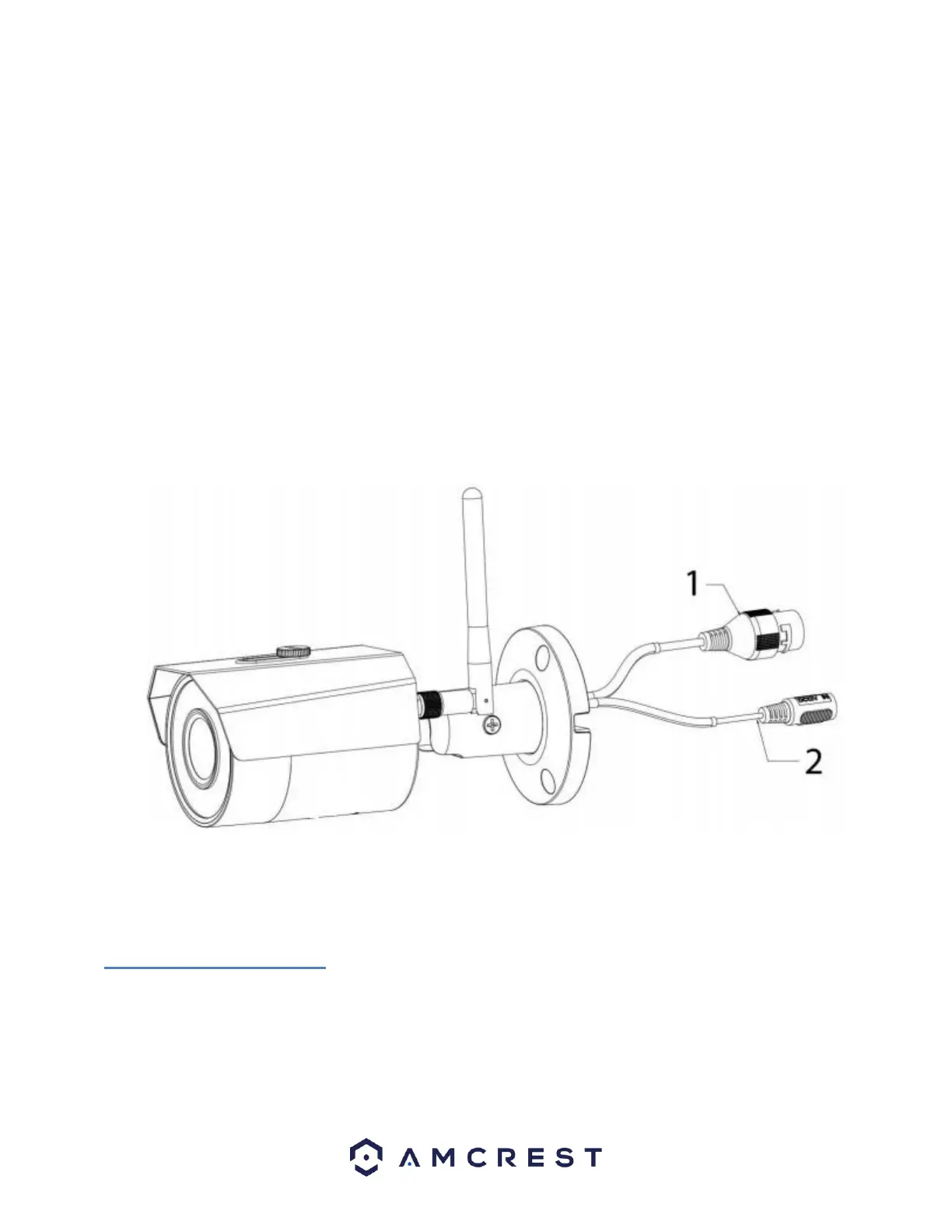
2 Device Overview
The image below is a representation of your device:
3 Connection & Installation
This section provides information about the connection and installation of your camera.
3.1 Connection Guide
The camera initially should be connected via the following method:
• WiFi Connection
• Ethernet Connection















 To Next Page