7
Installing and Configuring Displays
Connections
The following illustrate the typical connections on the ATI Radeon™ HD
2600 Series graphics card. The connections available may vary between
models of this series graphics card.
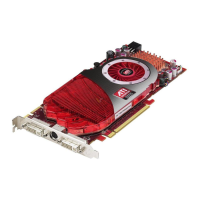
Sample 1: ATI Radeon™ HD 2600 Series Connections
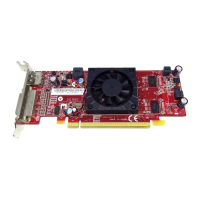
Sample 2: ATI Radeon™ HD 2600 Series Connections
Legend
1 DVI-I Dual Link connection (Provides audio and video digital
signals. It provides HDMI™ output that is compatible with most
HDMI™ devices.)
2 S-Video connection (Video Out)
3 SVGA connection
Legend
1 DVI-I Dual Link connection
2 S-Video connection (Video Out)
3 DVI-I Dual Link connection (Provides audio and video digital
signals. It provides HDMI™ output that is compatible with most
HDMI™ devices.)


 To Next Page
 Loading...