33
CrossFire™
CrossFire™ is a multi-GPU performance gaming platform, using
CrossFire™-ready motherboards and CrossFire™-compatible graphics
cards.
CrossFire™ works with all 3D games and applications. If ATI Catalyst™
A.I. is enabled in the ATI Catalyst™ Control Center software, the optimal
rendering mode available for the application is automatically selected.
Performance enhancements experienced on a CrossFire™ system depend
on the application or game being used. Performance improvements of up to
100% have been recorded. The latest graphics-intensive programs will
generally see over 80% performance improvement at high resolutions and
high image-quality modes.
Basic Requirements
The basic requirements of a ATI Radeon™ HD 2600 Series CrossFire™
system are:
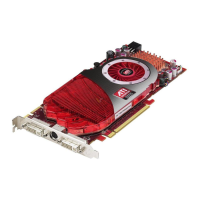
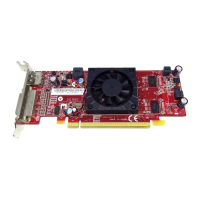
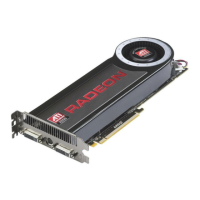
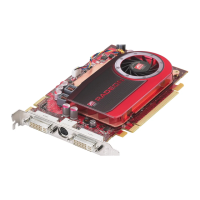
• Two ATI Radeon™ HD 2600 Series CrossFire™ graphics cards
• Two internal CrossFire™ bridge interconnects
• A CrossFire™ -ready motherboard
• We recommend a 550-watt power supply or better.
For an up-to-date listing of CrossFire™ certified motherboards and power
supplies, and CrossFire™ configurations see:
ati.amd.com/products/certification
Installing CrossFire™ Graphics Cards
The following set of instructions assumes that the PCI Express® Slave
graphics card has already been successfully installed in the secondary slot
(slot one), and that the primary slot (slot zero) is empty.
Note: Consult your system builder or OEM to ensure that your
system has an adequate power supply. A 550 watt or greater power
supply is recommended.


 To Next Page
 Loading...