ADVANCED FEATURES
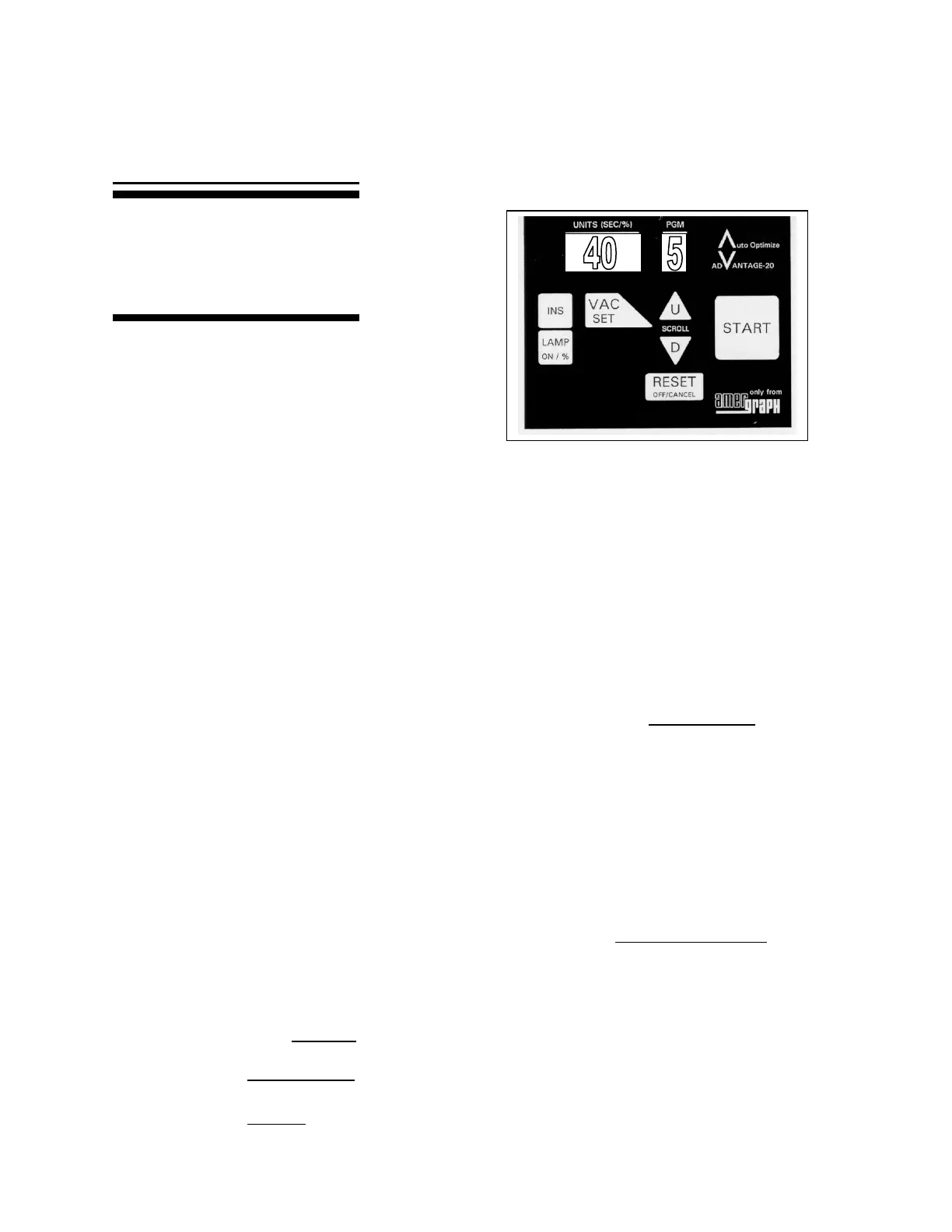
MAIN KEYS
INSPECT: Allows you to manually control
the vacuum drawdown and start
the exposure when you are
satisfied the drawdown is proper.
After ‘START’ has been pressed to begin a program:
• Press ‘INS’ to stop the vacuum delay countdown. The UNITS display will
read “INS”. Inspect the vacuum as it continues to draw down.
• When you are satisfied with the vacuum drawdown, press ‘START’ to
begin the Exposure.
LAMP TEST: Allows you to manually turn on the lamp to approximate the amount of life
left in the lamp.
• Press ‘LAMP ON’. Allow the lamp to remain lit for 2 to 3 minutes.
• Press ‘LAMP ON’ again. The display will rapidly count to a number and
hold. This number approximates the percentage of life left in the lamp,
provided the unit was correctly calibrated with that particular lamp when
that lamp was new. NOTE: Optimum performance is obtained when the
lamp life remains above 70%.
• Press ‘RESET’ to turn the lamp OFF.
VACUUM SET: Allows you to change the vacuum delay time in all programs at once.
(The factory pre-set vacuum time is 35 seconds.)
• Scroll to Program U using U (up) or D (down) arrow.
• Press and hold ‘VAC SET’.
• While holding, scroll with U or D to desired seconds.
• Release ‘VAC SET’.
*If you press and hold ‘VAC SET’ after this procedure, you will see the drawdown time for
all programs.
This page will show you how to use
three advanced features: pausing
drawdown for visual control, testing
the lamp and how to set vacuum
time in all programs at once.



 To Next Page