5 - 1
Cyclops LPortable Thermometers
User Guide
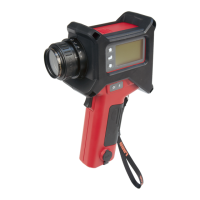
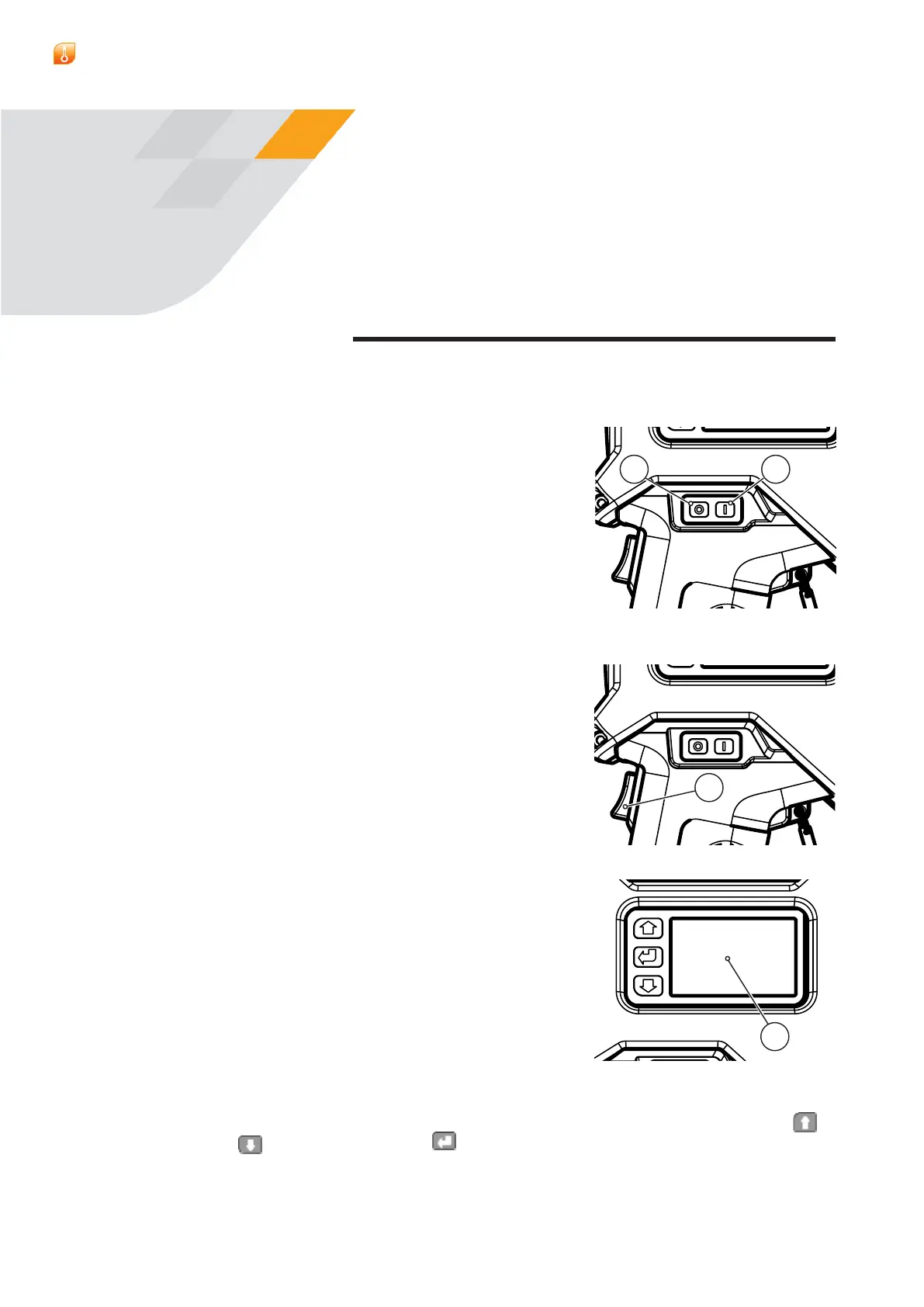
5.1 ON/OFF Switch
The On/Oswitchisontheleft-handsideofthe
thermometer(seeFig.3-1,item6).Theswitchhas
twopushbuttons,O(a)andOn(b).
Asinglepressofaswitchwillactivate/de-activate
theunit.
Note:iftheCyclopsfailstoturnon,itcanbe
resetbypressingtheOnandOSwitches
simultaneously.Thiswill,however,resetthe
internalclock
5.2 Trigger Operation
The Trigger(c)isonthethermometerhandle(see
Fig.3-1,item7).Thetriggerfunctiondepends
uponthechosenmodeofoperation:Classic,
Burst,Latched or Route(seeSection8).
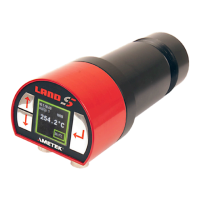
5.3 LCD Display Panel & Keypad
TheLCDdisplaypanel(d)isontheleft-handside
ofthethermometerbody(seeFig.3-1,item1).It
operatesinthreemodes:Measure Mode,Route
ModeandMenu Mode.
In Measure Mode,thescenetemperatureand
thermometersetupinformationisdisplayed.
In Route Mode,scenetemperaturecanbe
measuredandstoredagainstpre-loadedlocation
IDs.SeeSection7.5.
In Menu Mode,thefunctionmenusofthe
thermometercanbeaccessed.SeeSection7.
TherearethreeactionkeysontheKeypadtotheleftofthemaindisplay:
(ScrollUp),
(ScrollDown)and (Enter/select).Theseareusedtonavigate
aroundthevariousmenusanddisplays.
THERMOMETER
CONTROLS
5
Fig.5-1
ba
Fig.5-2
C
Fig.5-3
d



 To Next Page
 Loading...