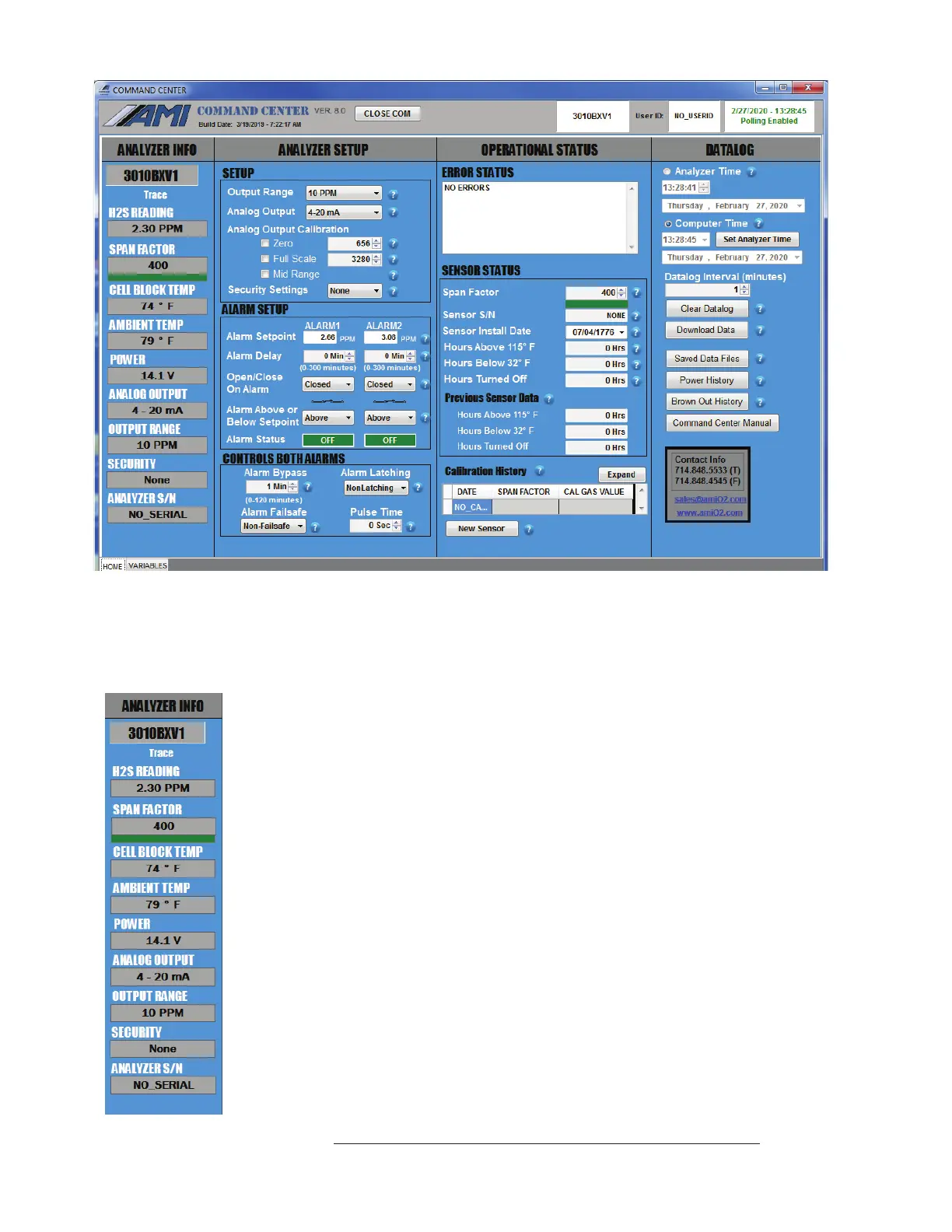
Above: COMMAND CENTER Software window shown with settings for MODEL 3010BX
c) Once the link is established, the software will automatically recognize the Analyzer and
populate the Analyzer Info Column with information specific to your Analyzer.
d) The Analyzer Info Column will display the following information about
your Analyzer:
• Analyzer Model Number
• Trace H
2
S Reading in ppm
• Span Factor
• Cell Block Temperature
• Ambient Temperature
• Input Power, either AC or DC
• Analog Output Setting (4–20mA or 1–5 VDC)
• Output Range Selection
• Security Selection
• Analyzer Serial Number
View of the Left Status Column of the User Interface
28



 To Next Page