TROUBLESHOOTING, MAINTENANCE
& REPAIRS
The following section identifies potential system issues and provides possible resolutions. If you are
unable to resolve an issue after following the suggestion(s) shown in this section, contact AMI for further
support.
The following section shows the existing error(s) that can be detected by the Analyzer. Each error has
an assigned number and message.
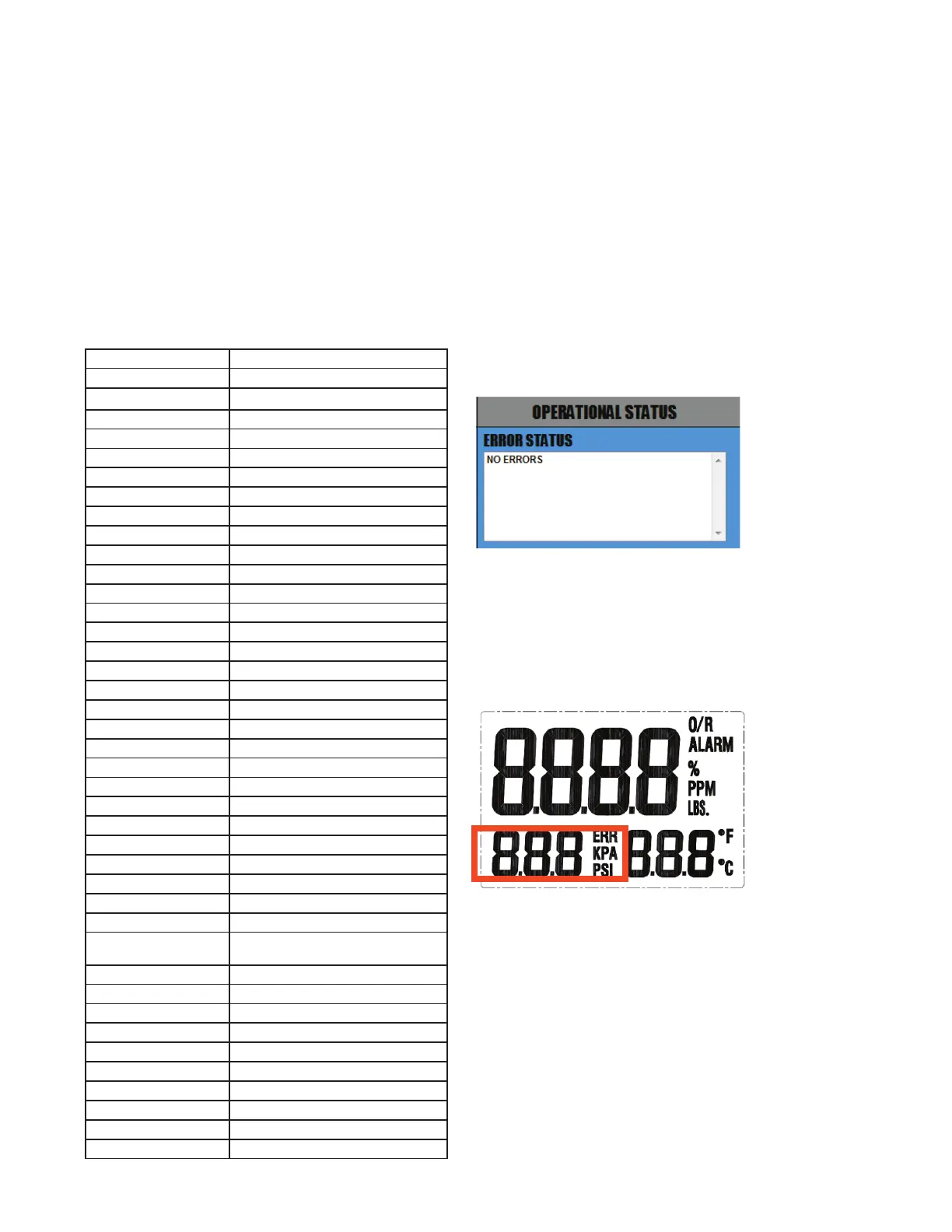
Error Status Display: Error Reference Guide
Note:
All error codes can be displayed on the Error Status Display.
Once troubleshooting is completed and the error is resolved,
the message will automatically be removed from the Error
Status Display by the Analyzer.
Error Number Message
0
1
2
3
4
5
6 Power Supply Too Low
7 PPM Over Range
8
9
10
11
12 Over / Under Pressure
13
14 Over / Under Temperature
15
16
17 Memory Failures
18
19 Analytical Timeout
20 Analytical Warm-up
21
22 Output Range Index Wrong
23 No Sensor Current
24 Span Too Low
25 Span Too High
26
27 Percent Over Range
28 No Heater Feedback
29 Ambient and Cell Block Temperature
Conict
30 Heater Voltage Too High
31
32
33
34
35
36 ADC Timeout
37
38
39
Note:
The LCD of the Analyzer will display 'fail-safe' error code(s).
If a 'fail-safe' error code is detected, the 'error number' and
'ERR" will display and blink on the LCD (as indicated above).
Once the troubleshooting is completed and the error is re-
solved, the error code will no longer display.
43



 To Next Page