22
Product Instructions
Switch on Device
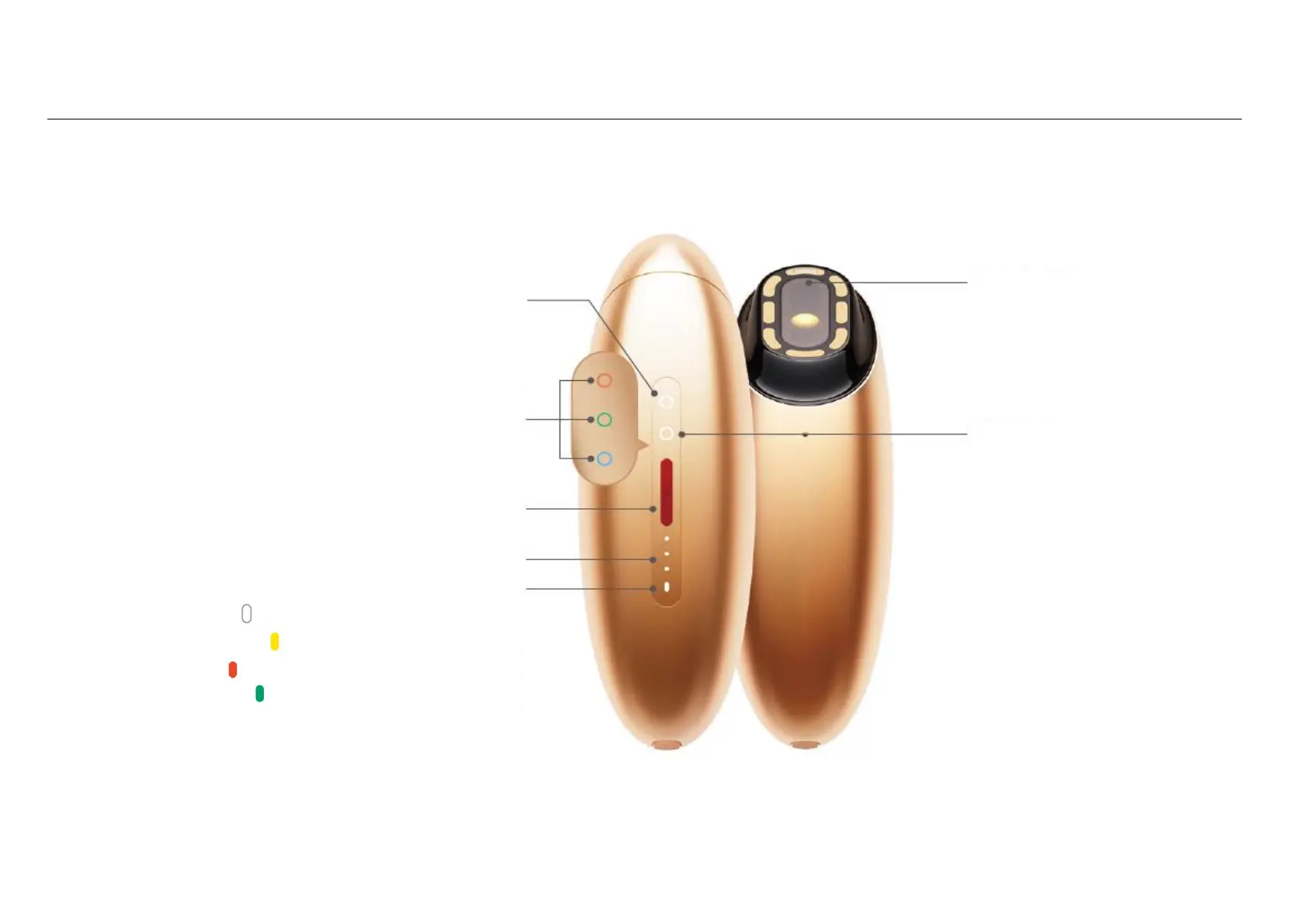
Press and hold the red power button until you feel a vibration.
Mode Switching
Double-click the red power button.
Intensity Level Switching
Click the red power button once
Smart Recognition Light
Mask color display during stamping
White for Quick Mode
Mode indicator on
Intense Mode
Gentle Mode
Express Mode
To power on, press and
hold the red button
until you feel a vibration
Intensity Level Indicator Lights
Battery Level Indicator Light
Solid white light: sufficient battery level
Solid yellow light: low battery level
Solid red light: device needs to be charged
Solid green light: battery fully charged
Breathing Mode Light
Indicating Bluetooth connection
After successful connection,
The mode indicator light stays on



 To Next Page