7.3 Ignition Settings 7 ADDITIONAL ITEMS: BEYOND BASIC FUEL AND IGNITION CONTROL
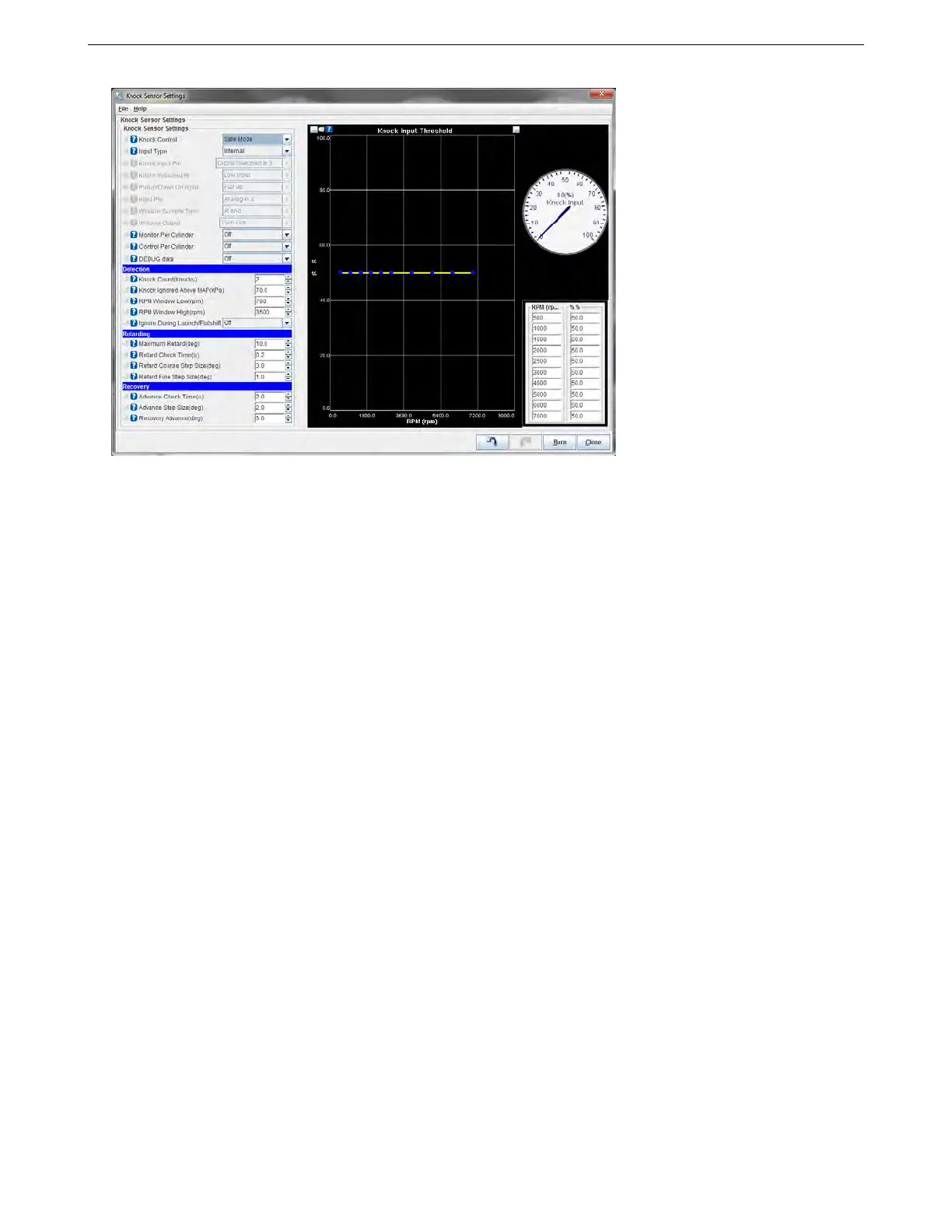
7.3.7.1 Knock sensor settings
• Knock control: Allows you to change the way the MS3Pro applies timing retard.
– Disabled: do not use knock feedback for ignition advance control
– Safe Mode: use knock retard, but keep the advance below that which caused knock. This backs the
advance 1 small step back and leaves it at that until TPS or MAP changes - or knock comes back. This
is "safe mode" scheme is the safest thing for a DIY set-up.
– Aggressive Mode: use knock retard, but keep advance at threshold of knock occurring. That is, the
program advances (up to the timing table value) if it doesn’t see knock, and retards if does see knock.
The difference from safe mode is that the timing can be advance all the way to the table value after
knock, not just up to one step below knock. This may result in the knock returning, in which case the
timing is retarded again, then advanced slowly, and so on. This approach is also called closed loop
knock control.
• Input type:
– On/Off: basic on/off "knock" or "no-knock" external input.
– Analogue: external analogue input proportional to knock signal level
– Internal: internal knock module.
• Input pin (only for on/off) Which input pin the external module is connected to. Note: If using the Knock In
1 or Knock In 2 pins, set the input type to “internal” and this will automatically select the dedicated
knock pins.
• Knock Indicated By (only for On/off) The logic input level. i.e. when set to "low" then a 0V signal means
there is knock. GM external knock modules fall into this categories.
• Pullup/down on input (only for On/off) Whether an internal pull-resistor should be applied. When using the
normal digital input modes, this should be set to “None.”
• Input pin (only for Analogue) Which analogue input pin the external module is connected to.
• Window Sample Type (only for Analogue) Either read single analogue value at end knock window or peak
detect.
• Window Output (only for Analogue) Optional digital output for knock window signal.
AMP EFI MS3ProUltimate manual version 1.203, firmware 1.5.0, 5/23/2017 Page 178



 To Next Page