7.3 Ignition Settings 7 ADDITIONAL ITEMS: BEYOND BASIC FUEL AND IGNITION CONTROL
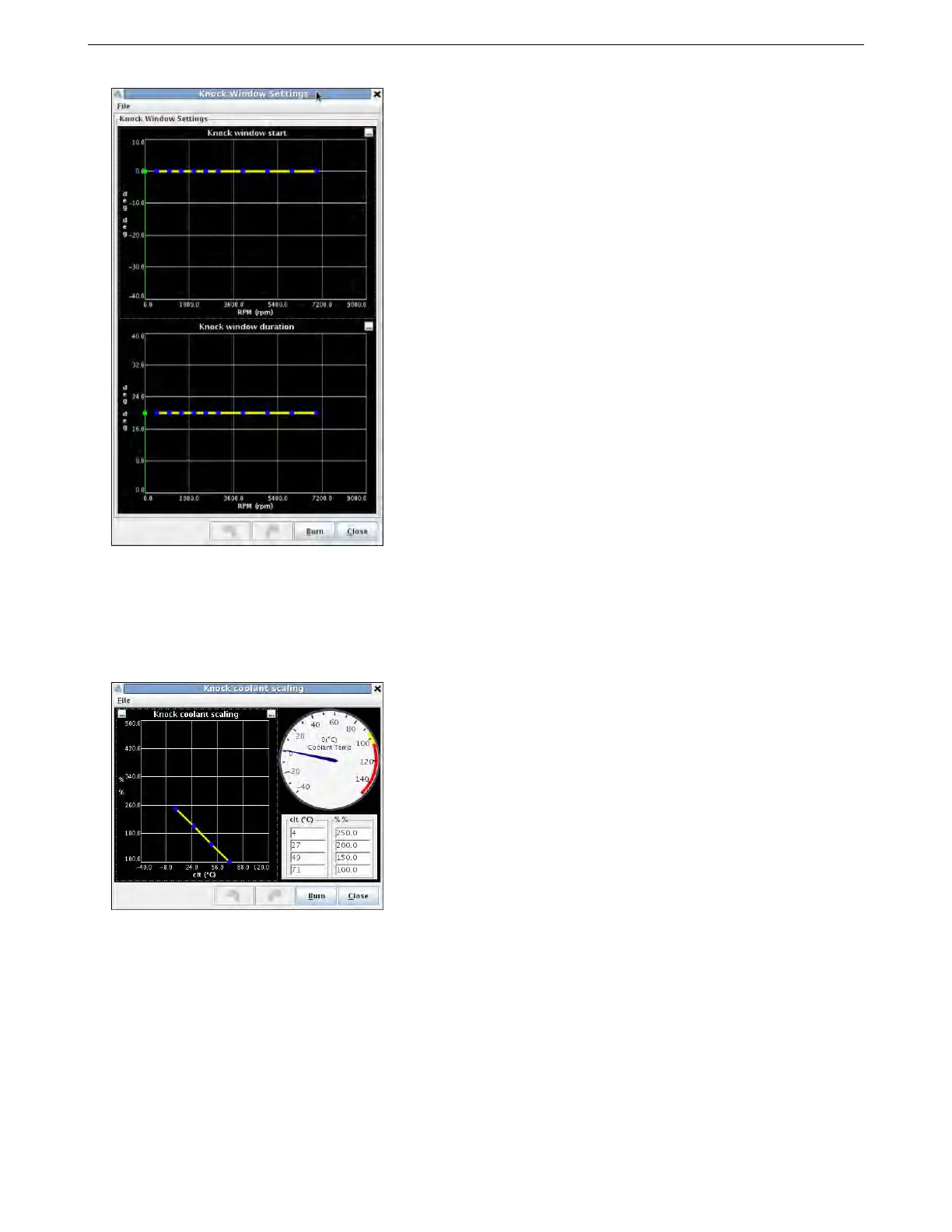
The upper chart sets the crank angle to start the knock window on the cylinder being monitored. Positive is
before TDC, negative is after TDC. The lower chart sets how many crank degrees the knock window stays open
for. The defaults reflect that knock events start around top dead center on most engines.
7.3.10 Knock coolant scaling
This screen is used with both internal and analog knock sensing modes.
This allows increasing the knock threshold at low coolant temperatures. Many engines are noisy during cold
operating due to increased clearances. This would result in false knock reports if the threshold was not raised at
low temperatures. Ensure that the final row is 100% for a warmed up engine.
7.3.11 Rotary settings
The MS3Pro supports Wankel rotary engines with a leading and trailing spark plug split. Versions supported
include Mazda’s RX-7 FC, FD, and RX8 ignition types, as well as 3 and 4 rotor engines with coil on plug. To enable
this screen, “Engine Stroke” under Engine and Sequential Settings must be set to Rotary.
AMP EFI MS3ProUltimate manual version 1.203, firmware 1.5.0, 5/23/2017 Page 181



 To Next Page