8.6 Loading or upgrading firmware 8 TROUBLESHOOTING AND DATA LOGGING
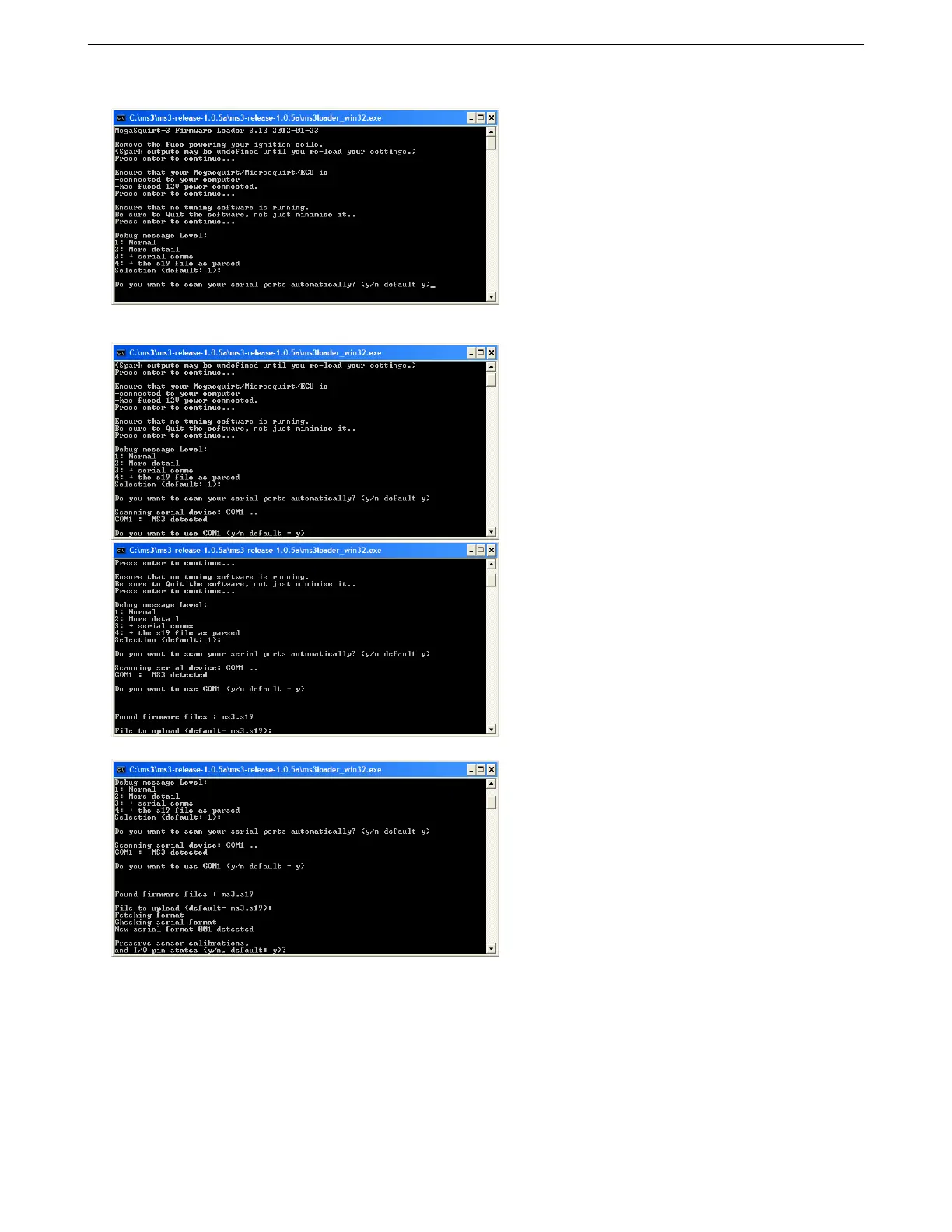
A message level of 1 is fine for most installs. The higher levels of detail are only needed for debugging problems.
Scanning ports automatically is usually your easiest option, but it is slightly faster if you specify what COM port
to use.
At this point, specify a file name of ms3pro.s19 and press Enter.
Preserving these settings can take somewhat longer. After this, the loader will give you a summary of your
requests before loading firmware:
AMP EFI MS3ProUltimate manual version 1.203, firmware 1.5.0, 5/23/2017 Page 310



 To Next Page