Connecting to a Secure Network
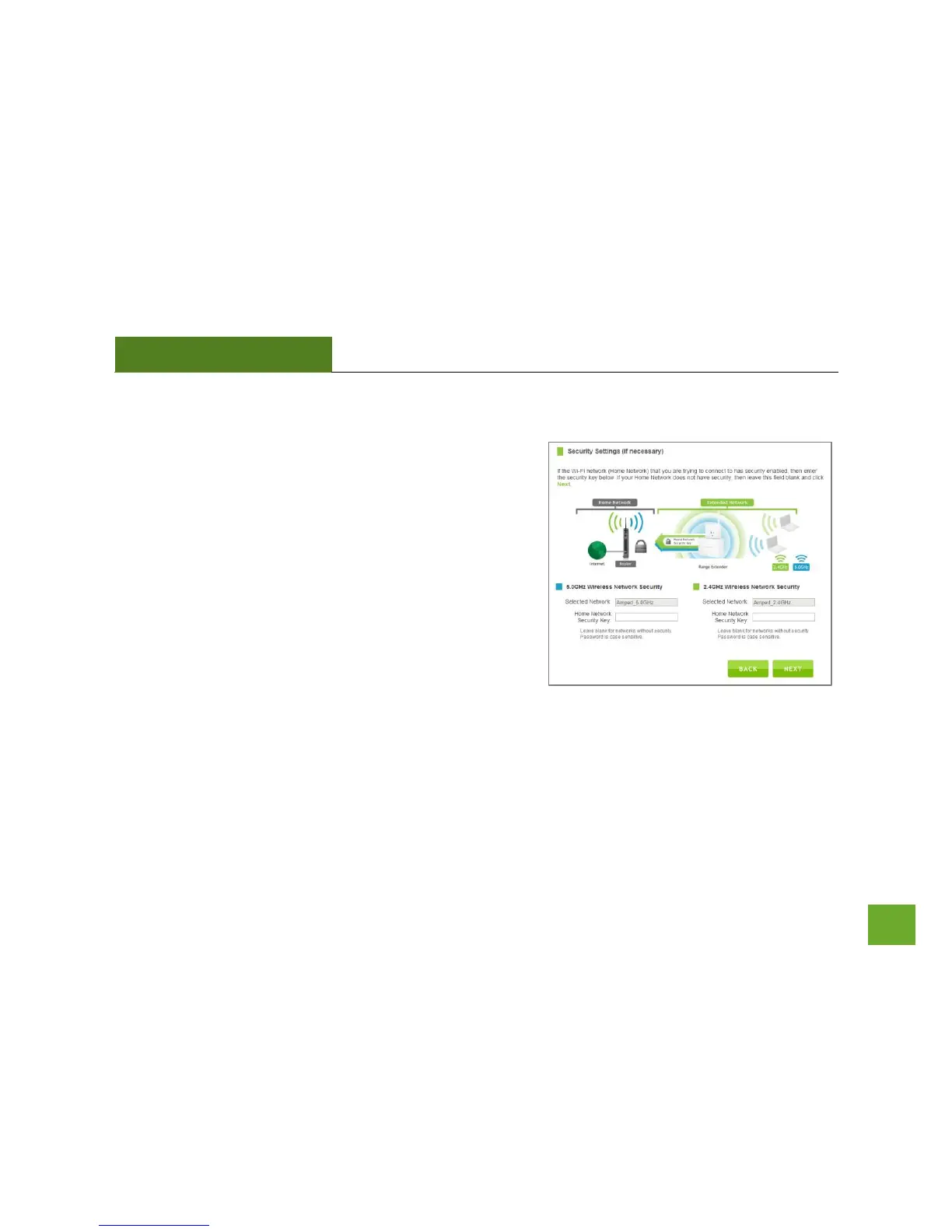
If the wireless network(s) you are trying to repeat has wireless
security enabled, you will be prompted to enter a security key.
If you are repeating a dual band router, you will need to enter
the security key for both the 2.4GHz and 5.0GHz network. If
either network does not have security, leave the field blank.
After you have entered the security key(s), click Next to
continue.
If you do not know the key to the network you are trying to
repeat, then click Back and select another network.













 To Next Page