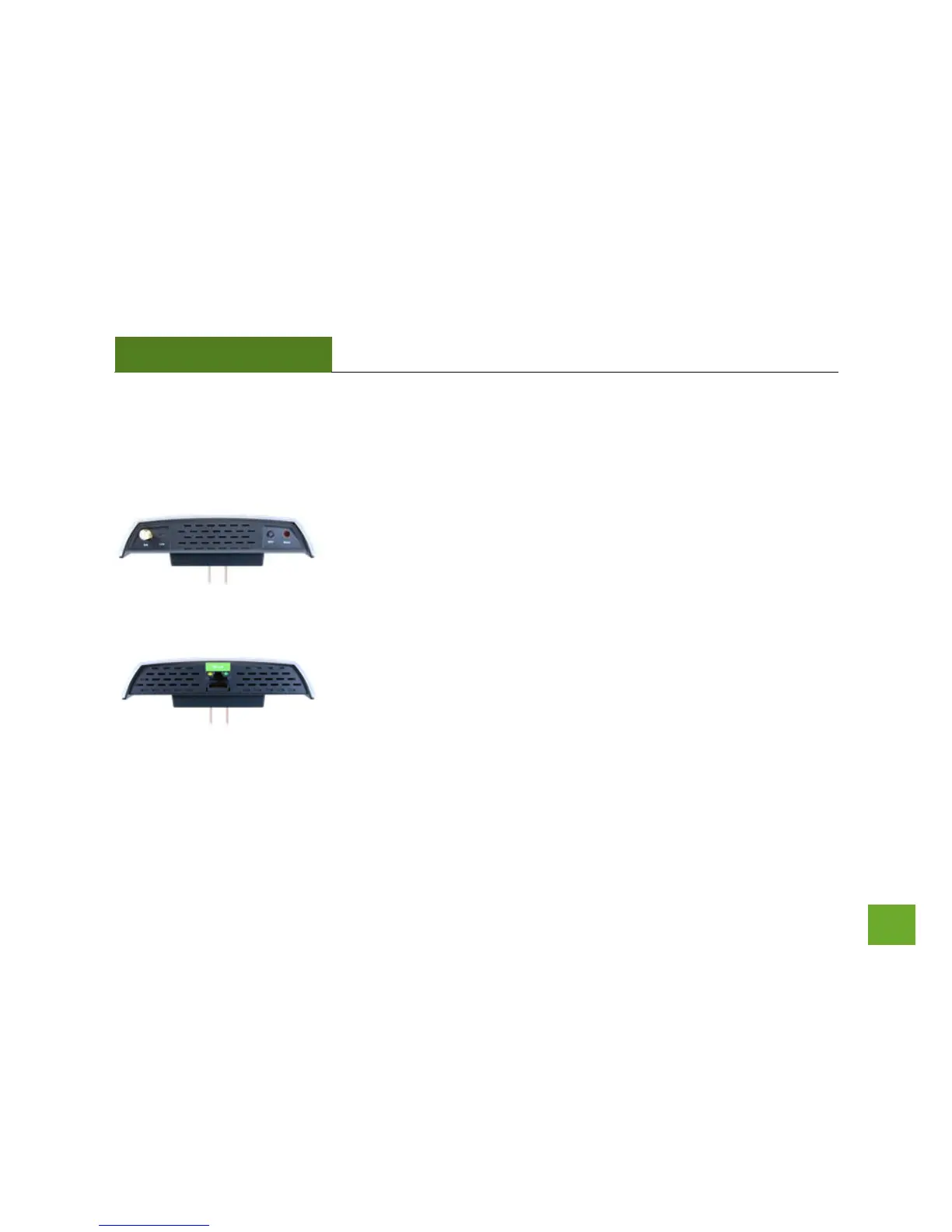
LED Indicators
Link LED: Indicates when the Range Extender is powered on. The LED will
flash rapidly when there is active Wi-Fi data traffic.
When the WPS or Reset buttons are pressed, the LED will begin to flash
steadily.
Wired Port LED: Indicates when a networking device is connected to a wired
port on the bottom of the Range Extender. The LED flashes rapidly when
wired data traffic is transmitted or received.













 To Next Page