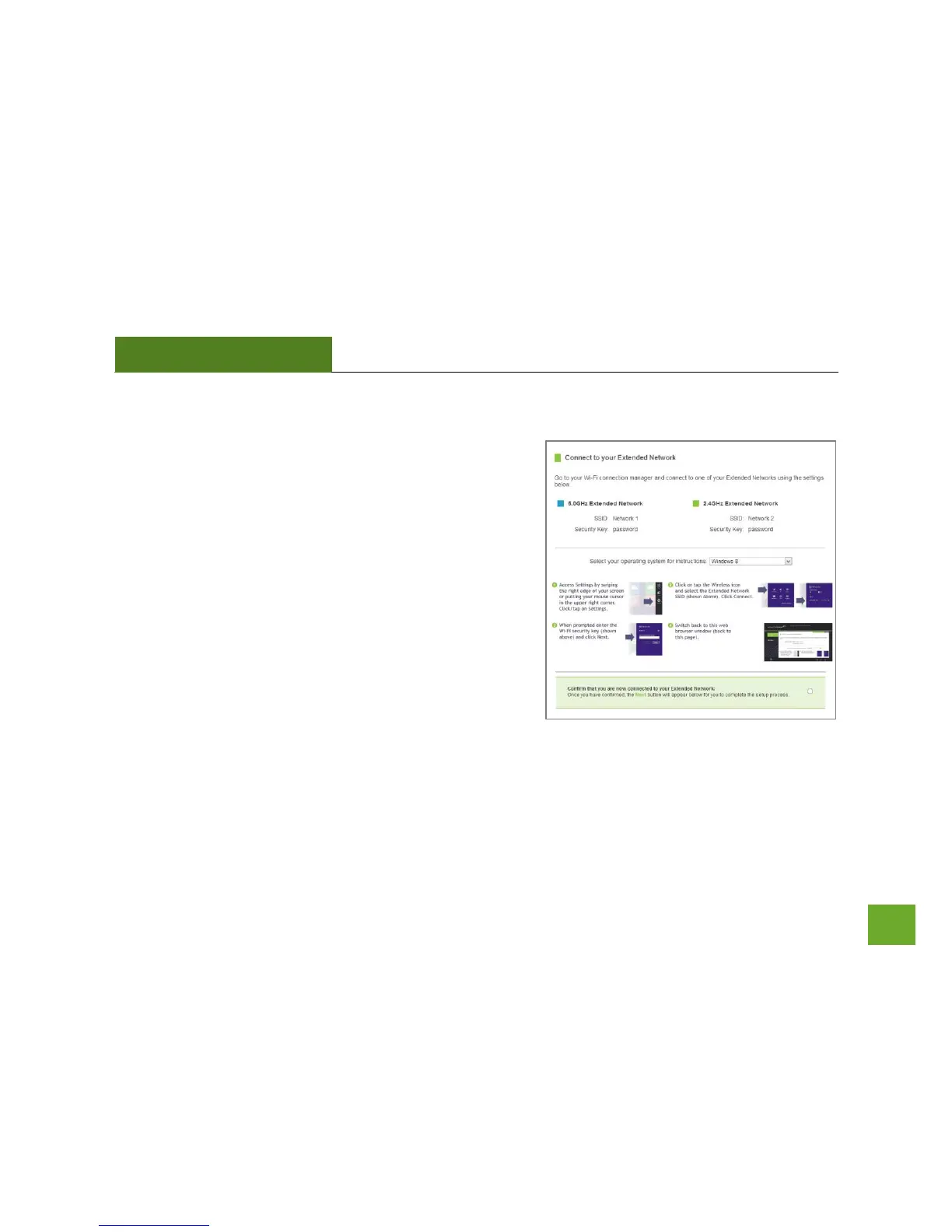
Connect to the new Extended Network
During the countdown process, the Range Extender will reboot
and disconnect the Wi-Fi connection. At this point, you will
need to reconnect your PC or tablet to the new Extended
Network. Follow the instructions on the screen to connect to
the Extended Network.
Once you have connected, click the check box to confirm. The
Next button will appear allowing you to complete the setup
process.
If there are problems with your configuration, the Wizard will
inform you to rescan for a network to extend.
If there are no problems, you will see the Setup
Summary on the following page.













 To Next Page