BKS630E
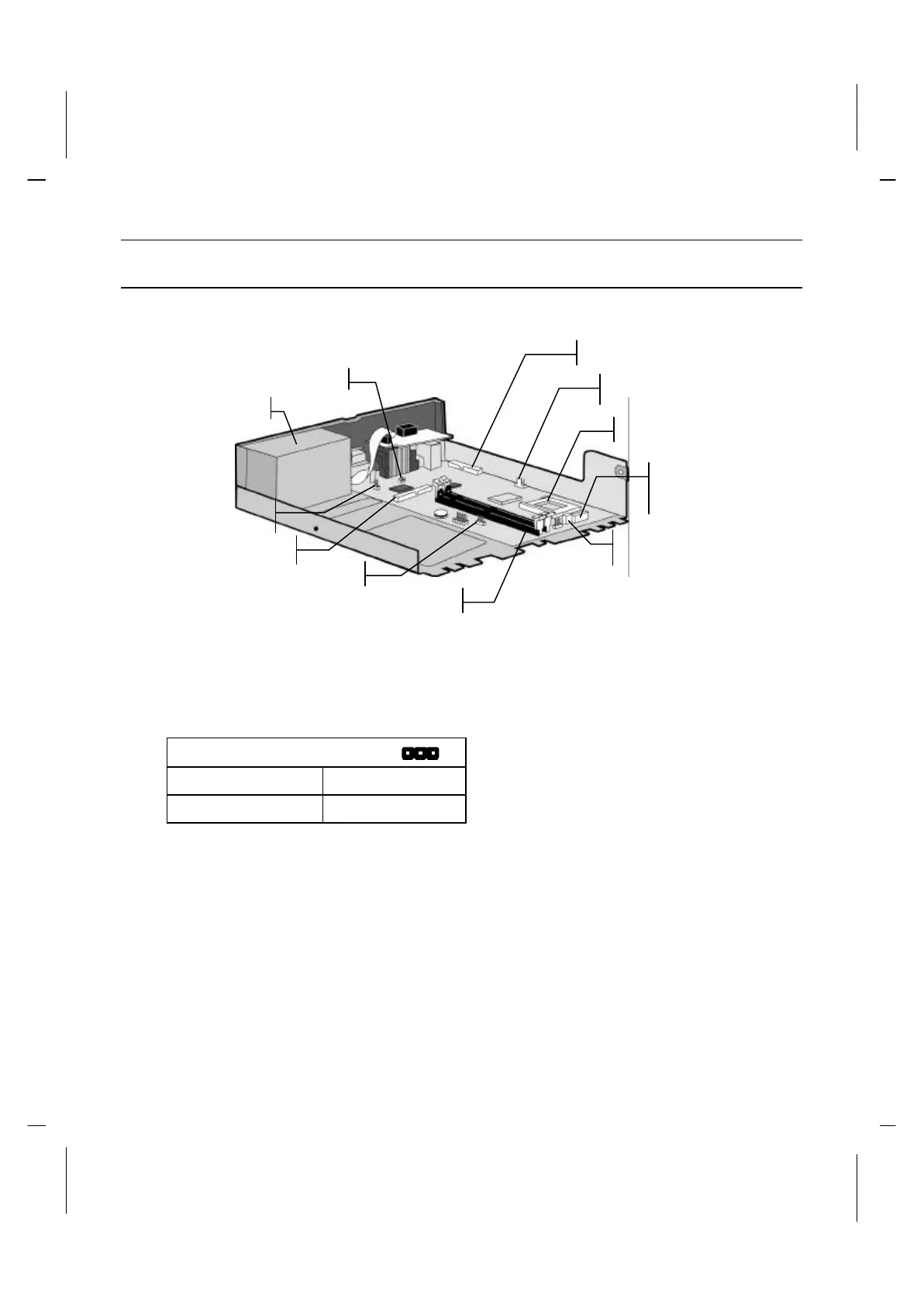
Mainboard Items
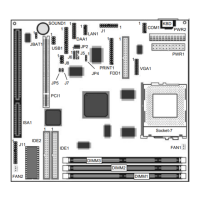
With the drive cage removed, use the pictures below to locate the labeled mainboard
items.
Notice: Any jumpers on your mainboard that do not appear in this illustration are for
testing only. Don’t change their settings that will be damage the system.
Jumper Settings:
J8 – CMOS Clear Selector
Normal mode Short Pins 1-2
Clear CMOS Short Pins 2-3
Notice: IF the system set the wrong speed and the system won’t booting properly, you
can also hold down the Insert key while power on your computer to clear the CMOS.
Processor Socket
System Memory
Power Supply
Connector for
FDD Connector
IDE Connector
Power Supply Connector
to Mainboard
CPU Fan
J2 - Digital In Connector
(for CD/DVD/MP3)
J8 – CMOS Clear



 To Next Page