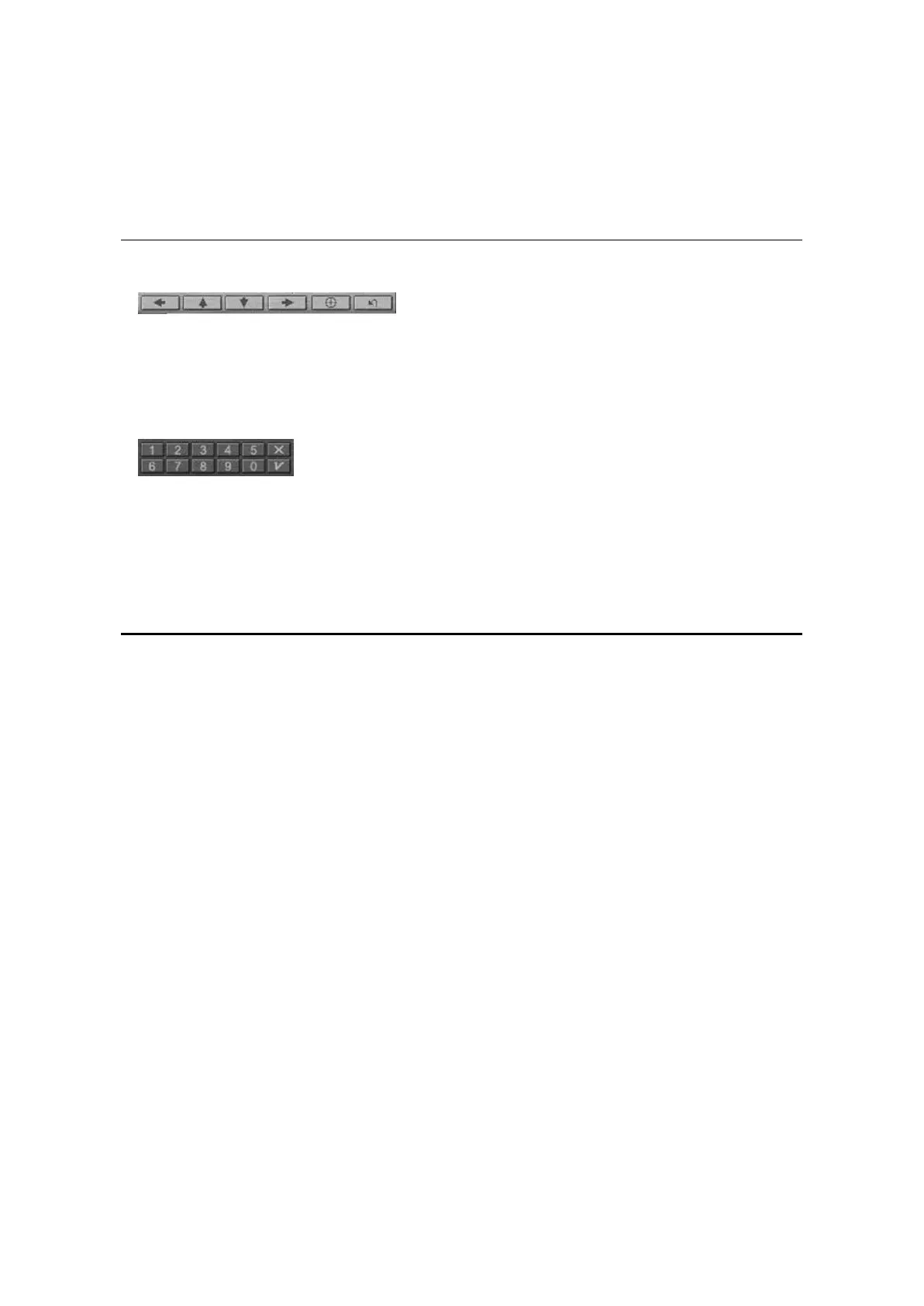
Navigation Arrows
Use the navigation arrows just as you would use a mouse button or the Tab key.
The arrows represent: Navigate left, Navigate up, Navigate down, Navigate right,
Navigate Center, and resume playback of video from a menu screen.
Numeric Keypad
The numeric keypad provides you with a method of selecting numbers. This is
more likely to be used while playing a Video CD than a DVD disk. Any time that
you enter a numeric value, click the corresponding key on the numeric keypad and
then click the green checkmark to accept that number.
The Right-Mouse Click Menu
While you are viewing a movie, you can put the cursor on the display window and right-
mouse click to see a ‘video menu’.
The commands on this menu are the same as those in the regular menu. You can also
use this window to show the main WinDVD control panel when it has been hidden by
viewing full-screen video, or as set in the Properties section.
The Video menu is shown as below:



 To Next Page